
no more scrubbing back and forth
A YouTube video, turned into notes
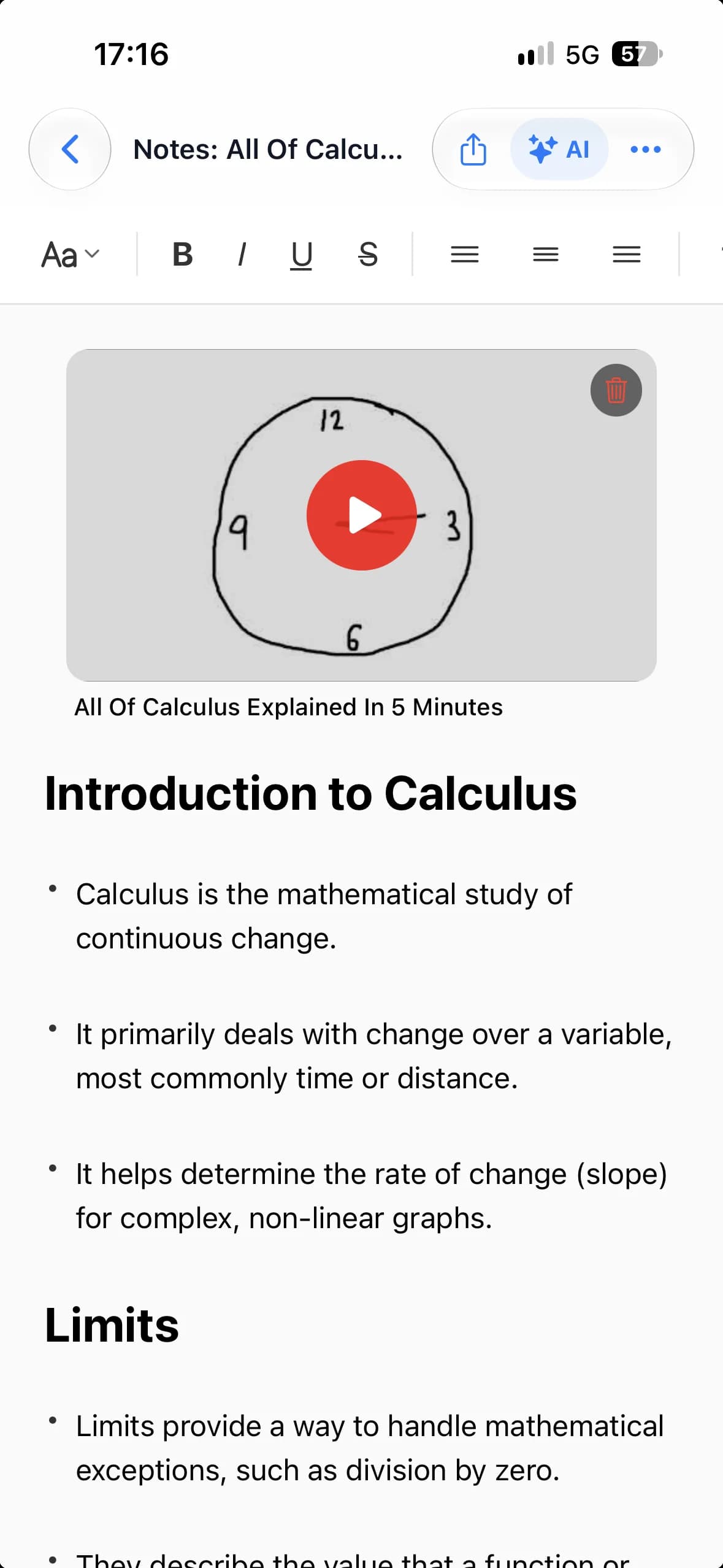
A lecture, a tutoring session or a science explainer: paste the link and NoteMode pulls the key information out of the video and lays it out as a clear note.
- Just paste a link
- A structured note with key terms
- Ready for quizzes and flashcards
How it works
Copy the link
Copy the video address in the YouTube app or your browser.
Paste it into NoteMode
AI writes a note with the key terms and takeaways from the video.
Study from the note
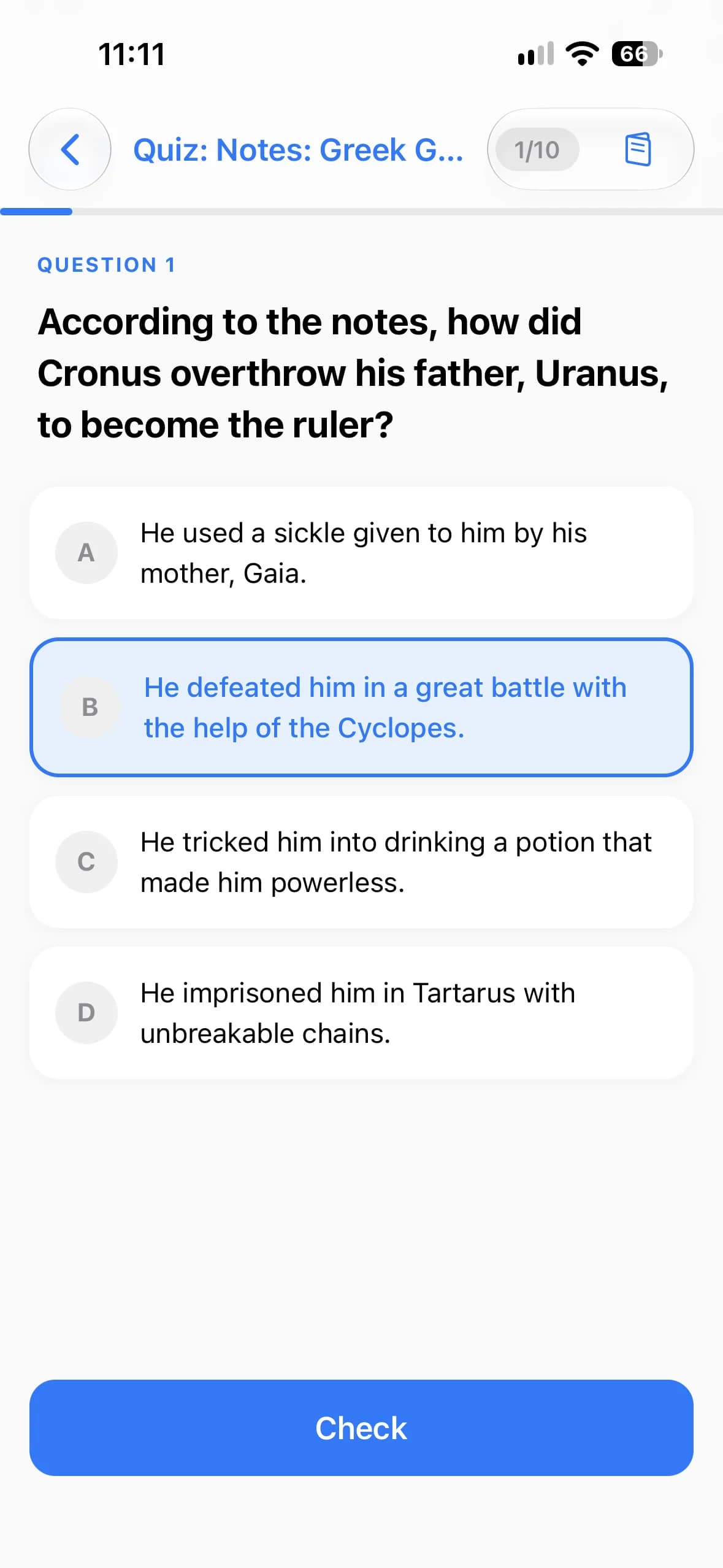
Turn it into a quiz or flashcards, or ask the chat about a part you did not get.
Why NoteMode
The key points first
Read the core ideas first and go back to the video only for what you really need.
A note instead of a bookmark
Study videos stop getting lost in your history. They land in the subject folder next to the rest of your material.
Ask about the video
The chat answers from your own material, so you can ask about a term from the lecture.
A full review set
One note gives you a quiz and flashcards, so a single video becomes a complete study kit.
Frequently asked questions
Copy the video link, paste it into NoteMode and wait a moment. You get a structured note with the key terms.
Yes. A video note works like any other note, so one tap turns it into a quiz, flashcards or a summary.
You get the most out of lectures, lessons and tutorials, in other words videos where someone explains a topic.
NoteMode runs on iPhone and iPad (App Store) and on Android phones (Google Play).
Keep exploring
All features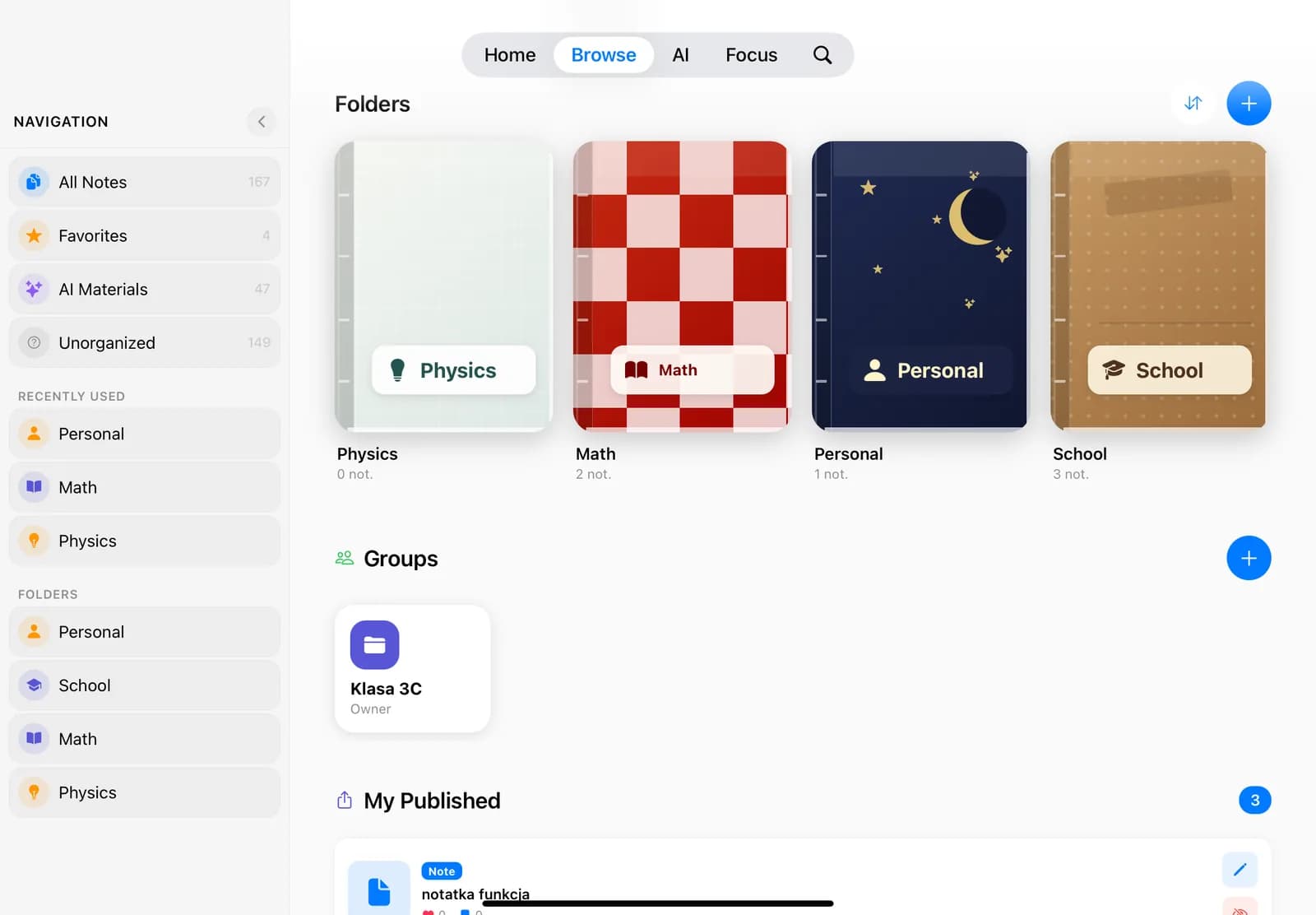
Try it free
NoteMode is a free download for iPhone, iPad and Android.