
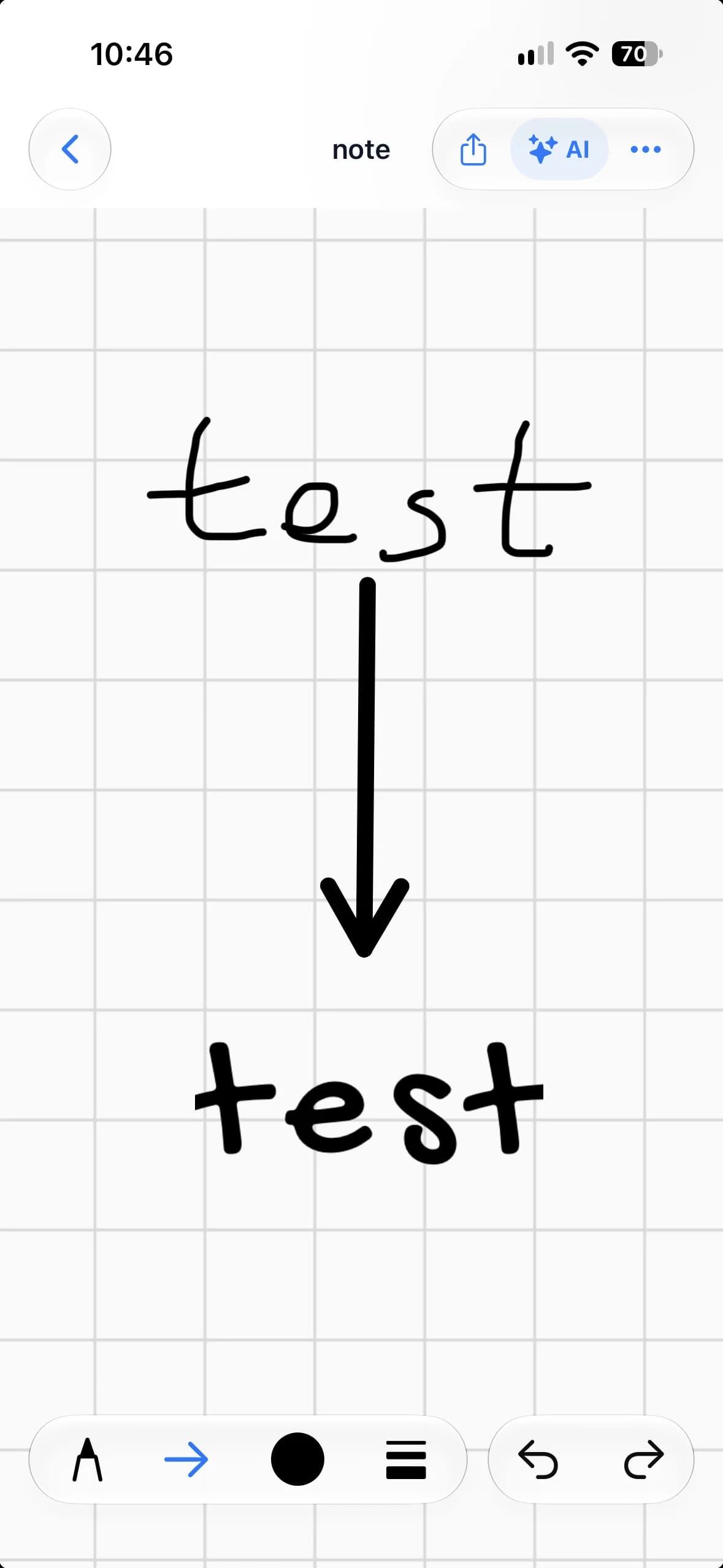
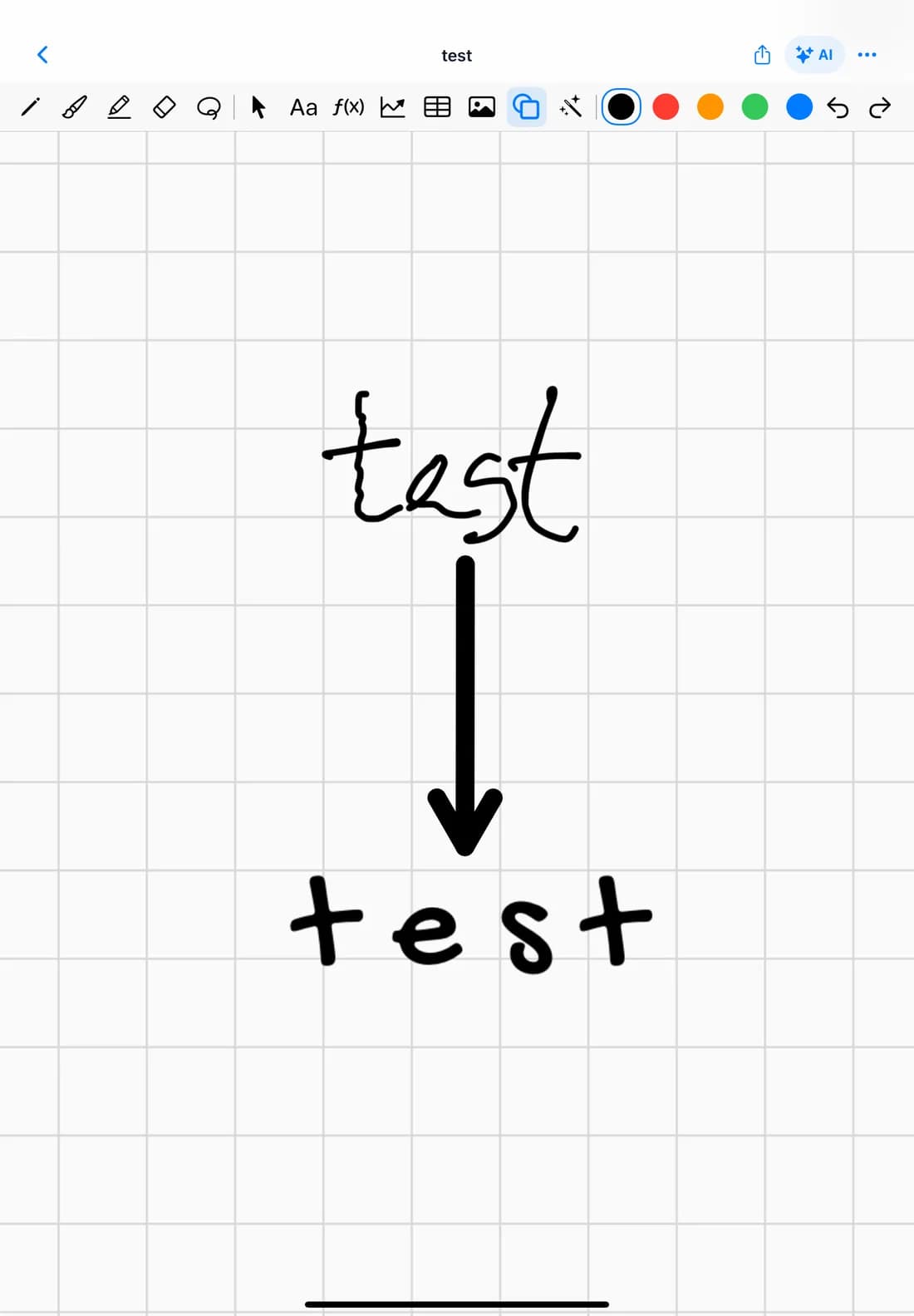
handwriting → text
Your handwriting, turned into real text
Take notes by hand, the way you would in a notebook, and NoteMode turns them into text you can edit, copy and search. It works with Apple Pencil, Android styluses and plain fingers.
- Apple Pencil, stylus or finger
- Notebook photos and document scans
- Text ready for quizzes and flashcards
How it works
Write like on paper
Open a handwritten note and write with a stylus or your finger. Pen, pencil, highlighter and eraser are all there.
Convert to text
One gesture turns handwritten words into regular text, right inside the note.
Keep studying
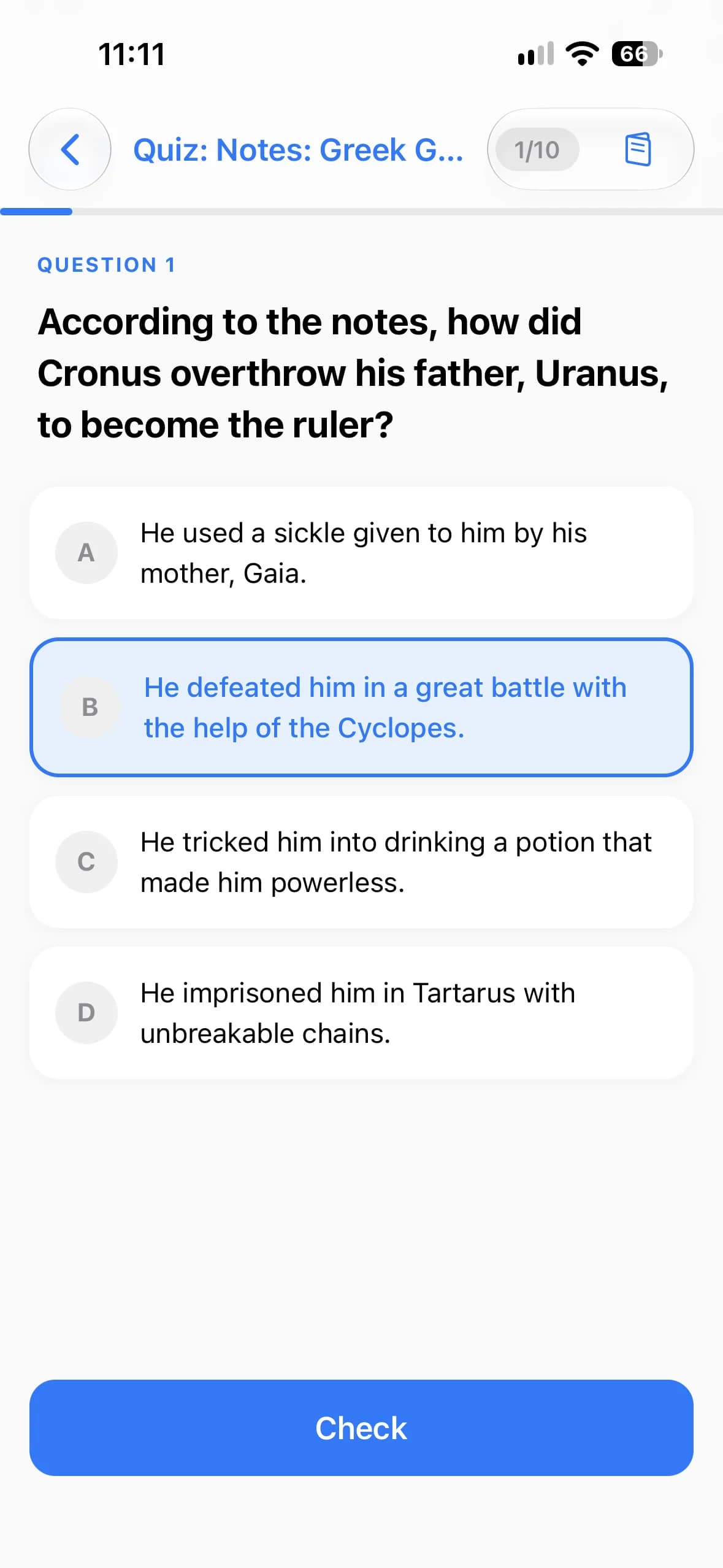
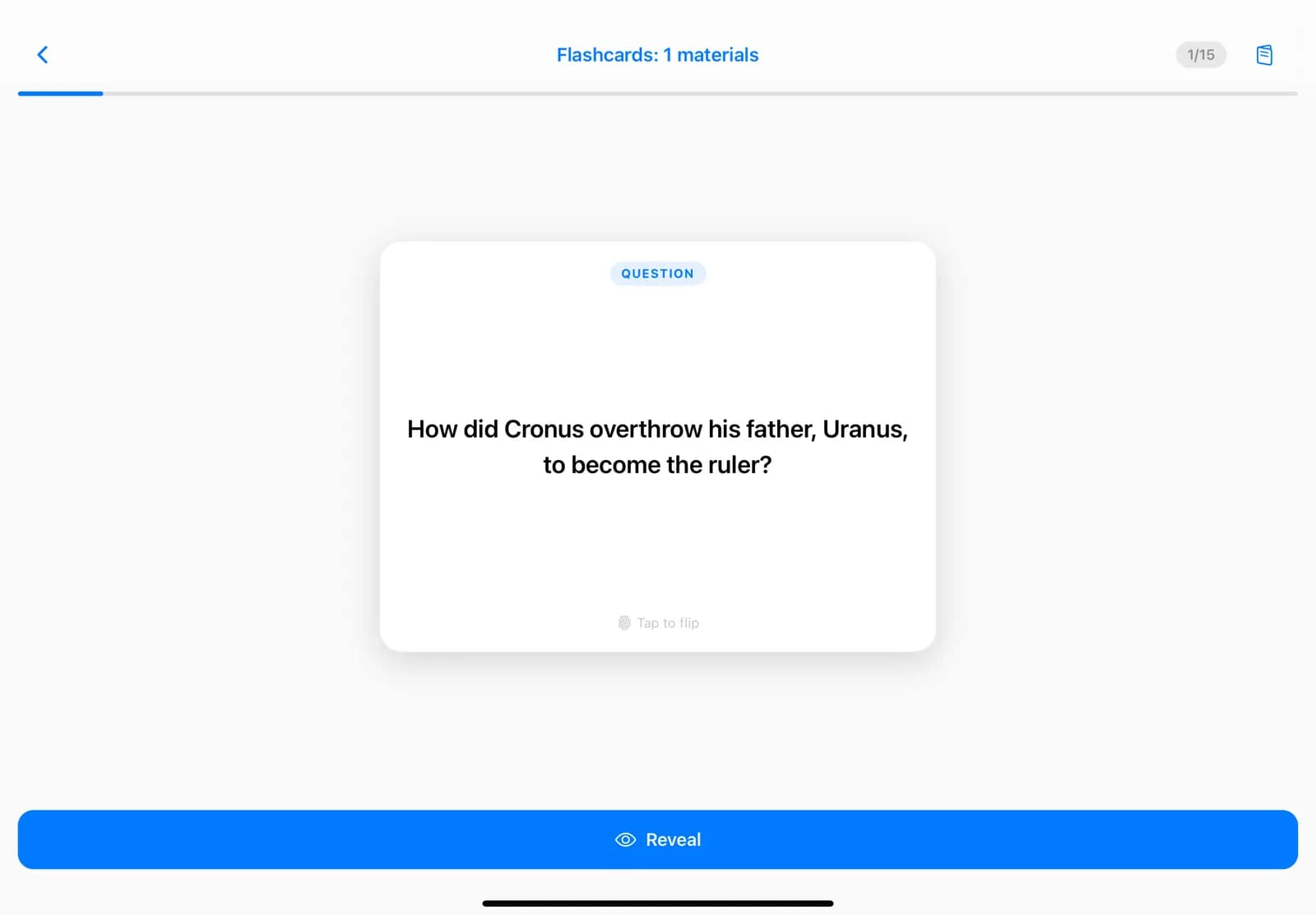
Search and copy the text, or turn it straight into a quiz, flashcards or a summary.
Why NoteMode
No more retyping
Lecture notes written by hand do not stay stuck on paper. Once converted, paste them into an essay, email or document.
Search by content
Notes are searchable by title and content, so the definition from last month takes seconds to find.
Old notebooks count too
Snap a photo of a notebook or scan pages. The scanner finds the edges and fixes the perspective for you.
Ink and text on one page
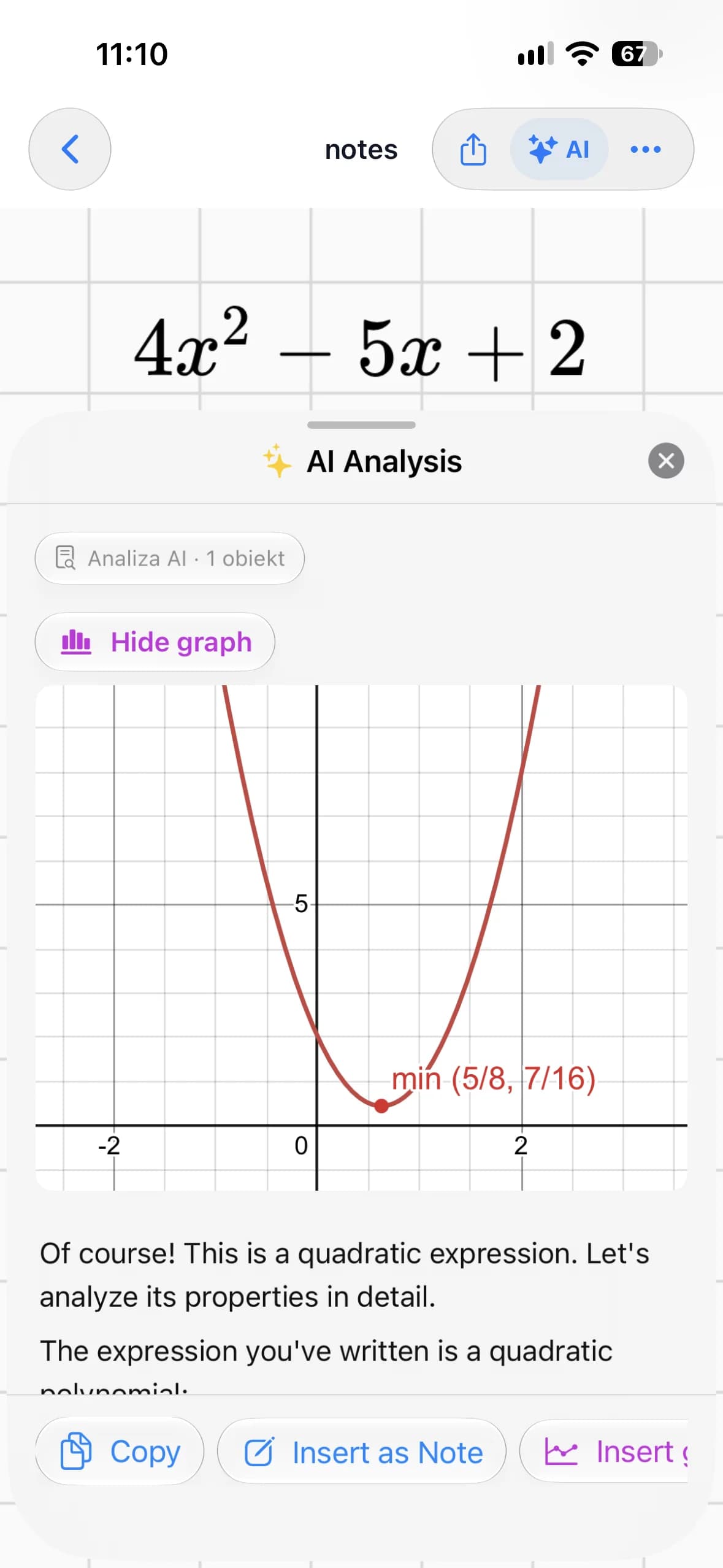
Keep a drawing, hand-drawn arrows, a text box and a math formula on the same page.
Frequently asked questions
Install NoteMode, create a handwritten note and write with Apple Pencil. Then use convert to text and your handwritten words become regular, editable text.
Yes. Take a photo or scan the page with your camera. NoteMode reads the text from the image and saves it as a note you can keep working on.
Yes. NoteMode is on Google Play, and on Android you write with a stylus or your finger. For iPhone and iPad, get it from the App Store.
NoteMode is free to download and taking notes costs nothing. Some AI features need a Premium plan. Current terms are on the pricing page and in the app.
Try it free
NoteMode is a free download for iPhone, iPad and Android.