
iPad + Apple Pencil
Notes on iPad that feel like a real notebook
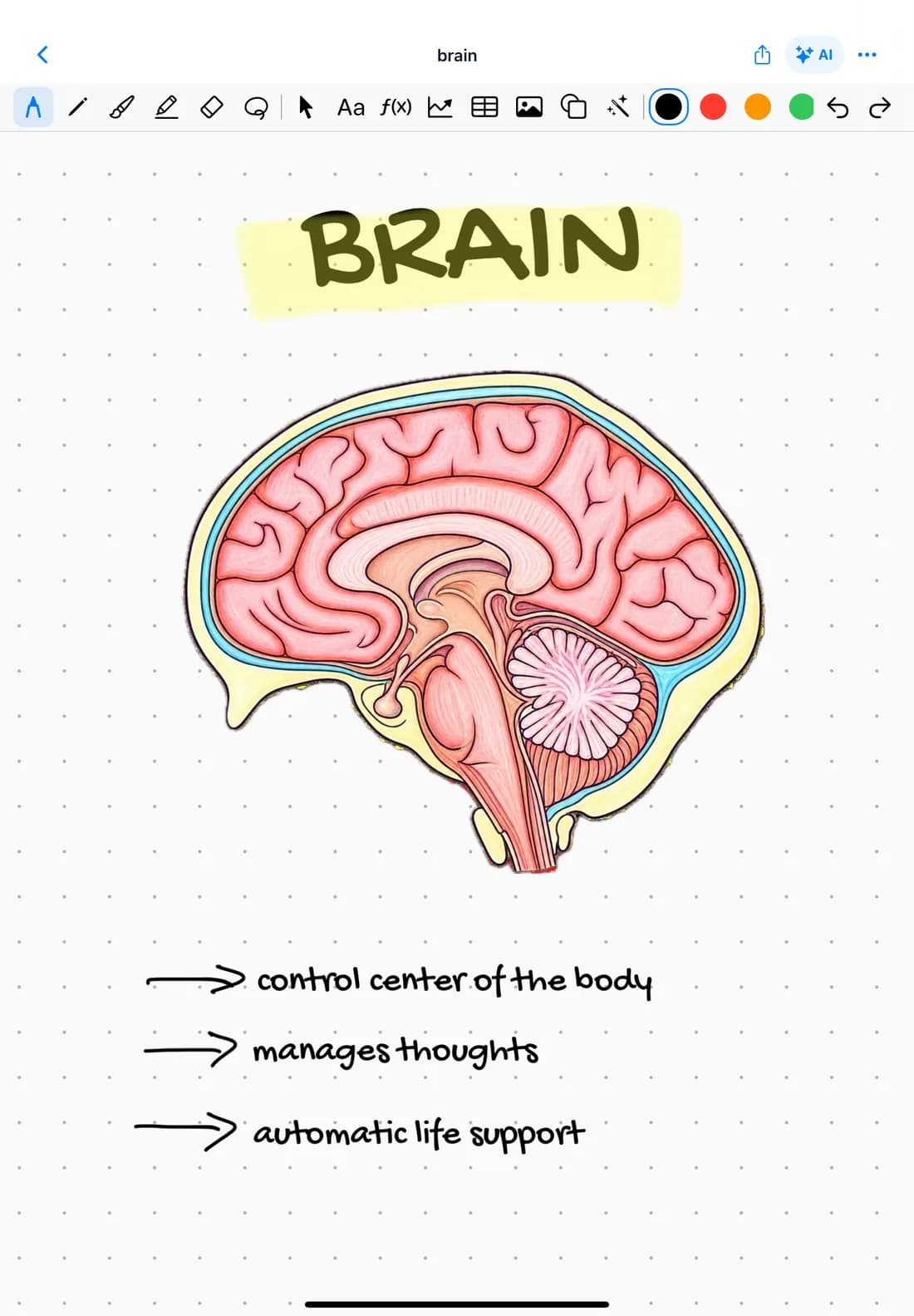
A big screen, Apple Pencil and a page where you write, draw and drop in photos and formulas. NoteMode works on iPad in portrait and landscape, and AI turns those notes into study material.
- Apple Pencil pressure and tilt
- Portrait and landscape, folders in a sidebar
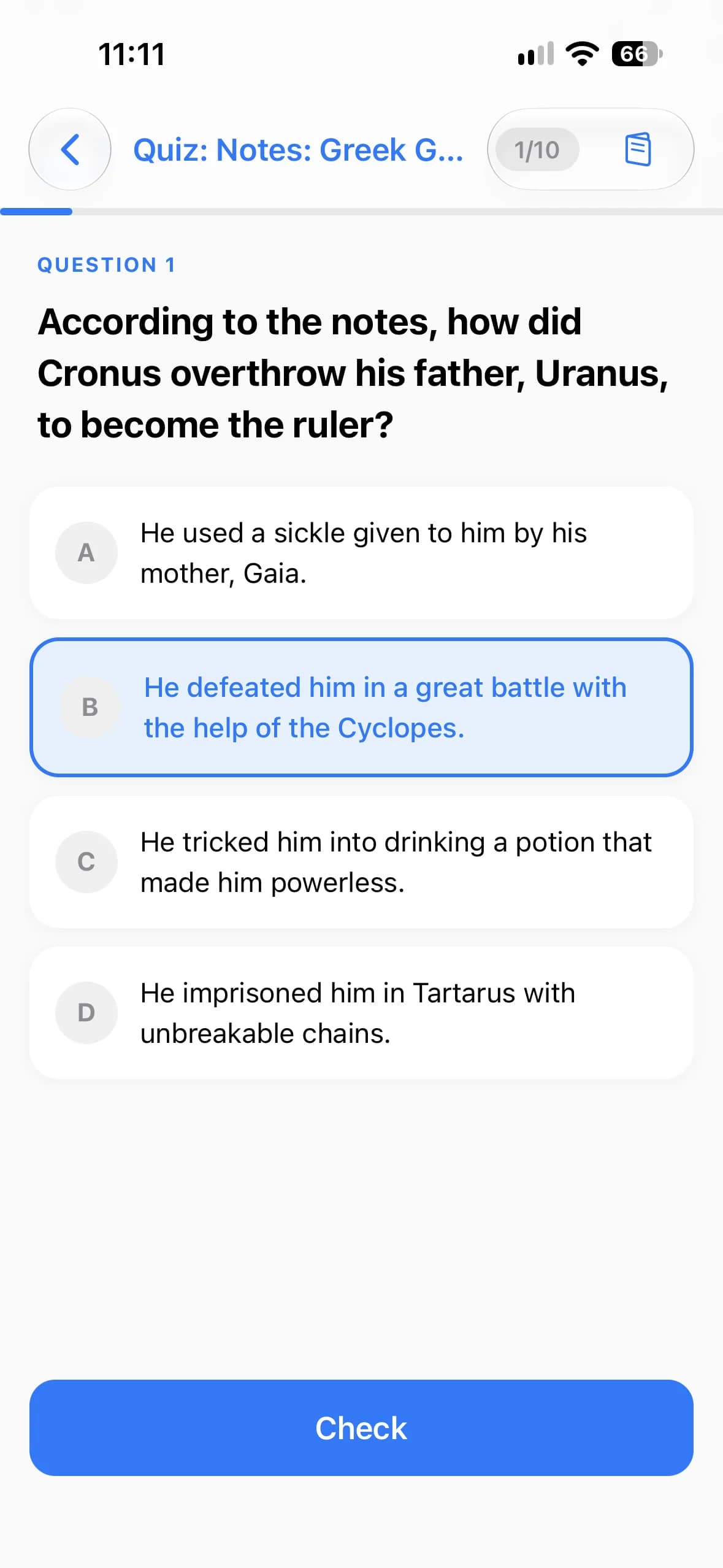
- Quizzes and flashcards from handwriting
How it works
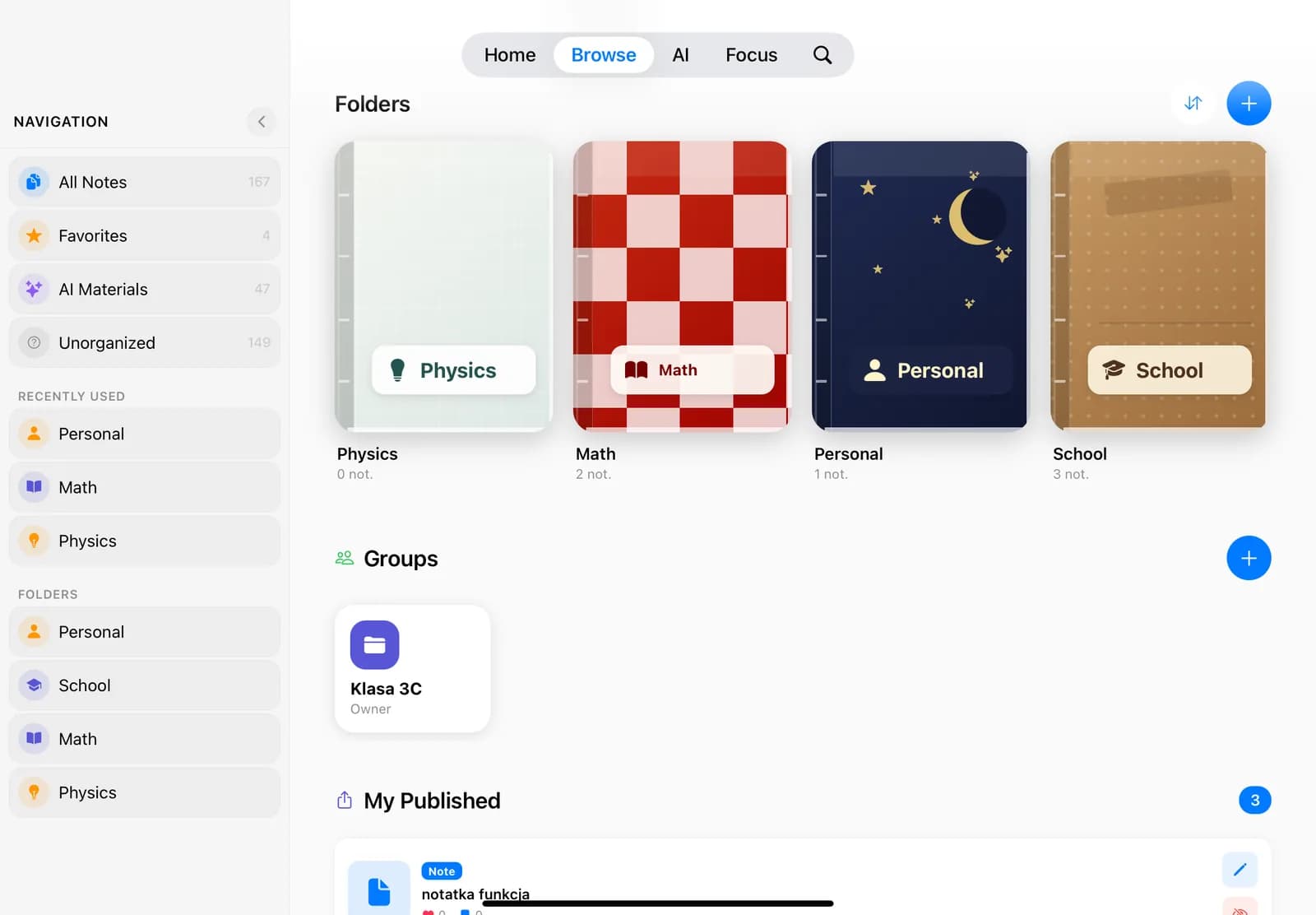
Pick a notebook
Folders look like notebooks on a shelf. One for every subject.
Write and draw
Pen, pencil, highlighter, eraser, shapes and lasso. Change thickness and color with one tap.
Turn it into studying
AI turns handwritten notes into a quiz, flashcards, a summary or a mind map.
Why NoteMode
Apple Pencil that feels pressure
NoteMode uses native PencilKit, so your strokes respond to pressure and tilt.
More than handwriting
Add photos, text boxes and LaTeX equations to the page, then pinch to zoom and pan around.
Write on scans
Scan a sheet with the iPad camera and write right on top: mark up, add notes, solve.
A layout made for tablets
A sidebar with folders, favorites and recent notes is always one tap away.
Frequently asked questions
Yes. Writing and drawing use native PencilKit, so Apple Pencil responds to pressure and tilt. You get a pen, pencil, highlighter and eraser.
Yes. Turn handwriting into editable text, and generate quizzes, flashcards or summaries from your notes.
Yes. You can mark up scanned pages: draw on them, add text and insert equations.
No. NoteMode also runs on iPhone (App Store) and on Android phones (Google Play).
Try it free
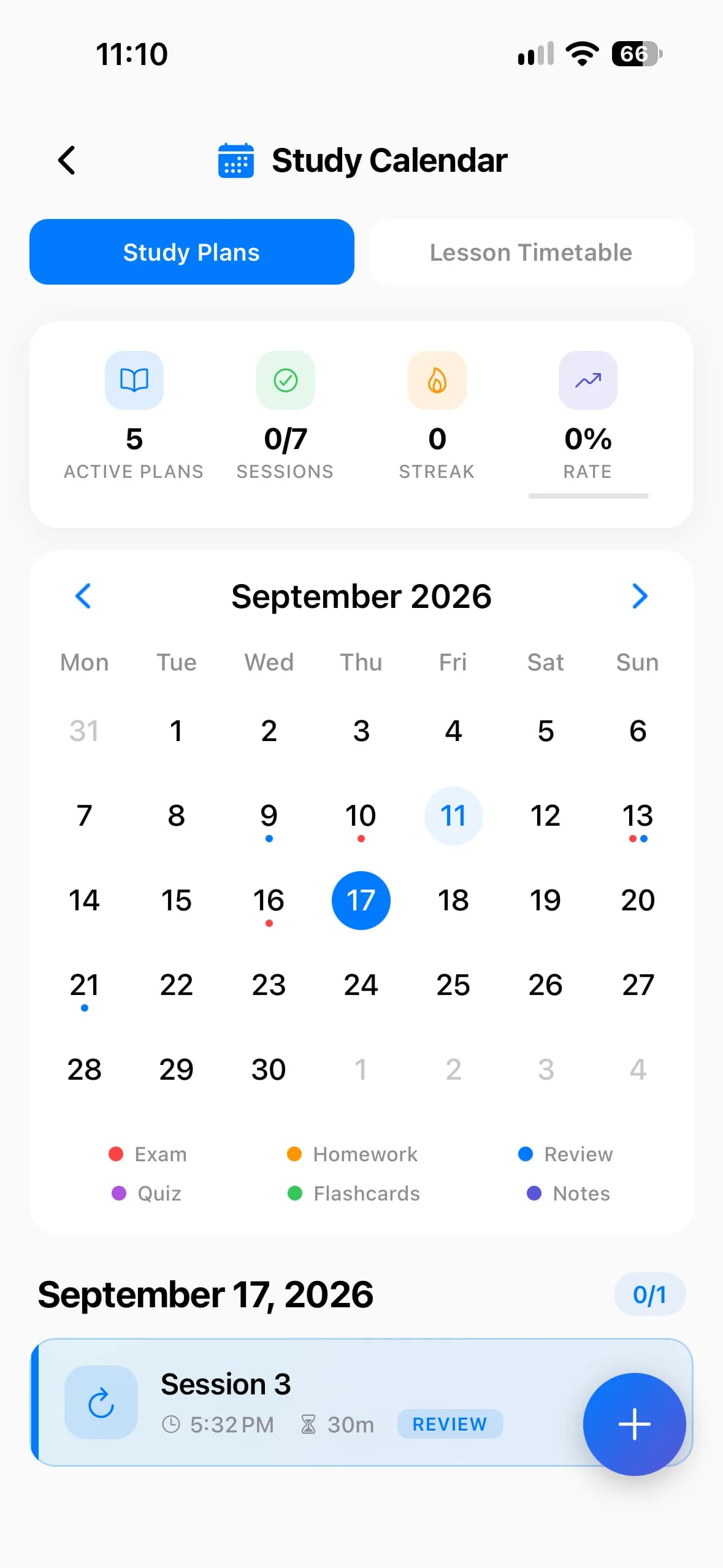
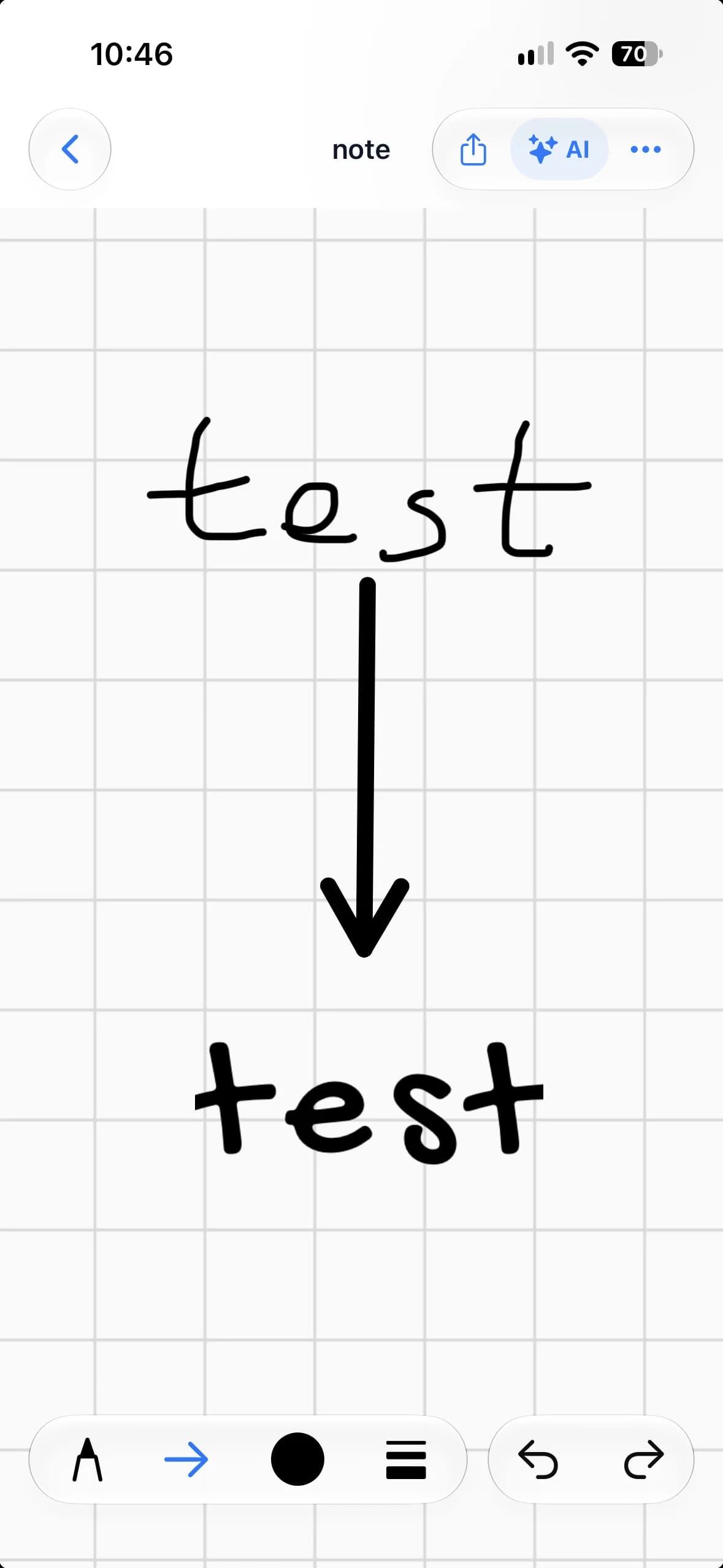
NoteMode is a free download for iPhone, iPad and Android.