
test yourself before the test
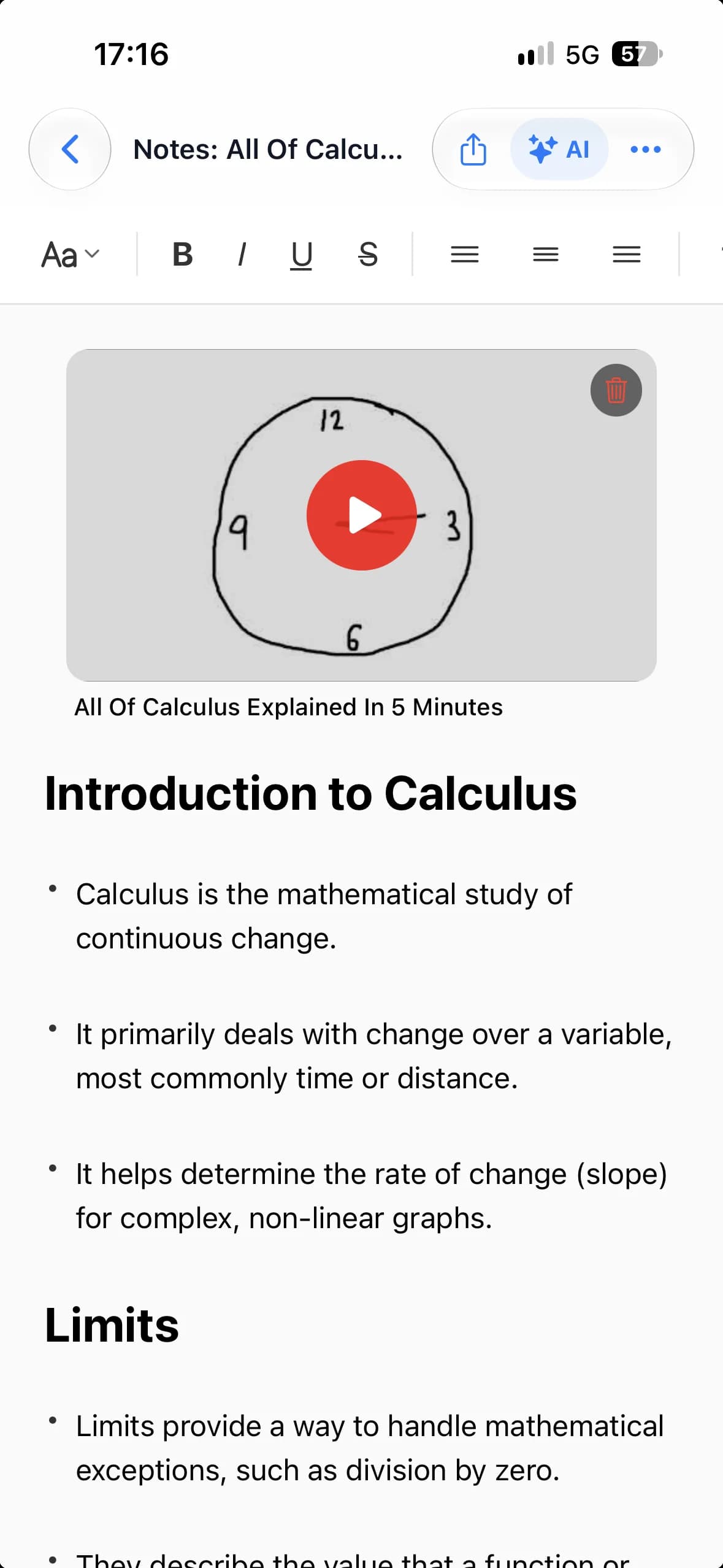
A quiz from your notes in seconds
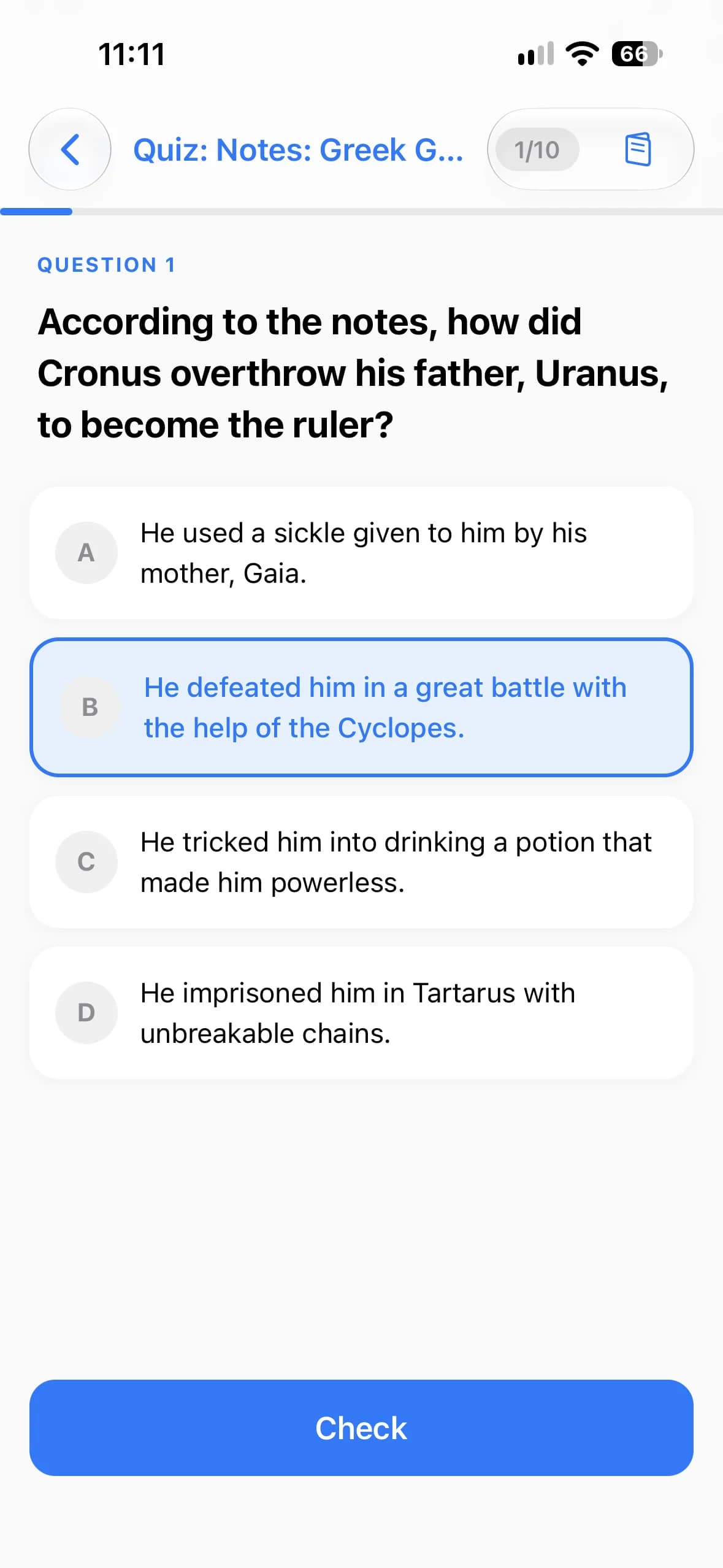
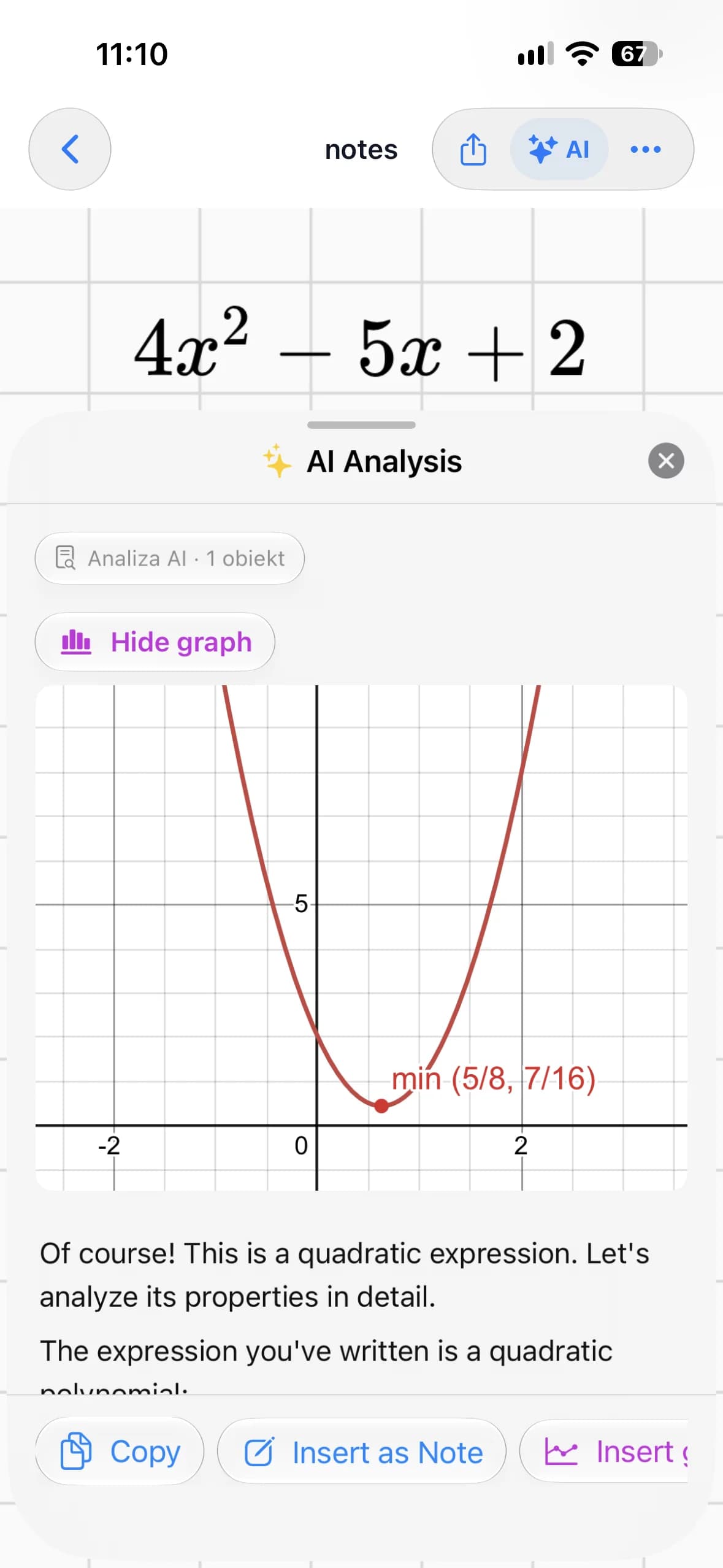
NoteMode reads your notes, notebook photos and PDFs, then writes questions from them. Every answer comes with an explanation, so you know why it is right, not just that it is.
- Multiple-choice questions with explanations
- From notes, photos, scans and PDFs
- Quizzes and scores saved in the app
How it works
Add your material
Pick notes in the app, take a photo of your notebook or upload lecture slides as a PDF.
Generate the quiz
AI picks out the key facts and turns them into questions with four answers to choose from.
Learn from mistakes
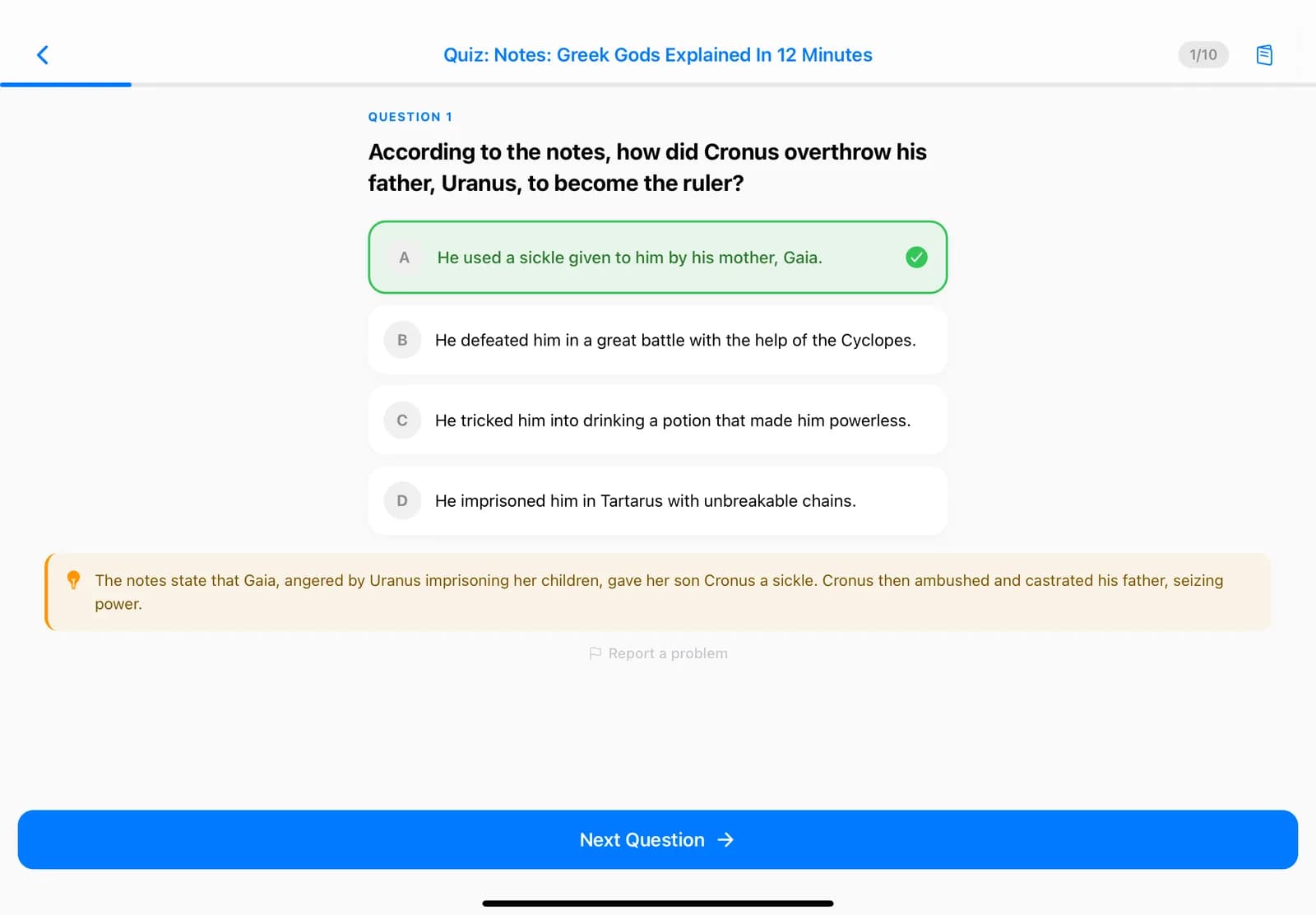
After each answer you see an explanation based on your notes. Weak spots show up right away.
Why NoteMode
Questions from your material
The quiz is built from what you are actually studying, not from a random question bank.
An explanation for every answer
Instead of a bare "wrong" you get a short reason, so every mistake turns into something you know.
Open questions for exams
Besides quizzes, NoteMode writes exam questions with short or essay answers, plus a sample answer.
Study together
Share a quiz with classmates, and find your own quizzes in your saved materials.
Frequently asked questions
Open NoteMode, pick your notes or take a photo of your notebook and generate a quiz. A few seconds later you get multiple-choice questions with explained answers.
Yes. Upload a PDF, such as lecture slides or a handout, and NoteMode builds questions from it the same way it does from notes.
Yes. You can also build a quiz by hand: add questions and answers, then mark the correct one.
NoteMode runs on iPhone and iPad (App Store) and on Android phones (Google Play).
Keep exploring
All features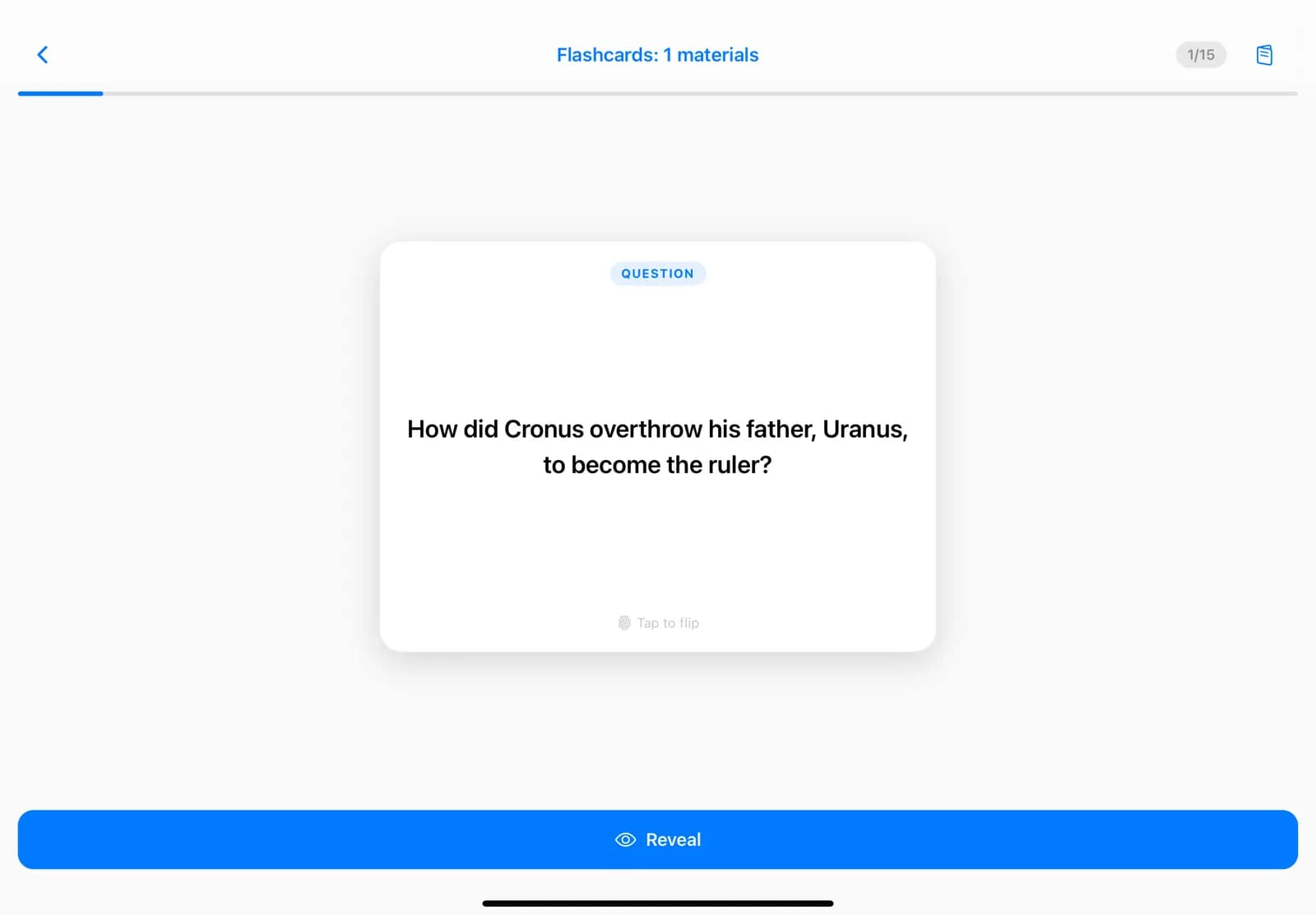
Try it free
NoteMode is a free download for iPhone, iPad and Android.