
flashcards that make themselves
Flashcards from your notes, no copying out
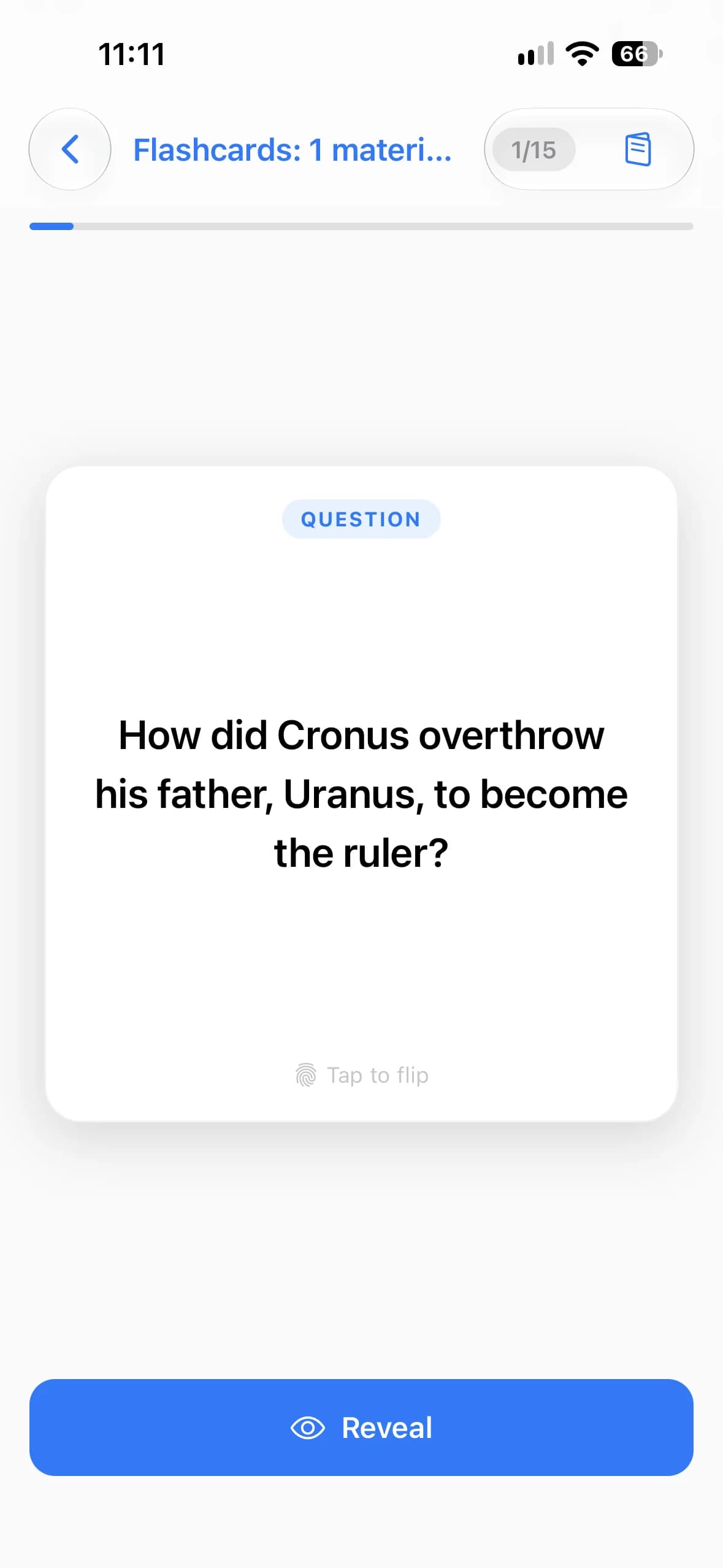
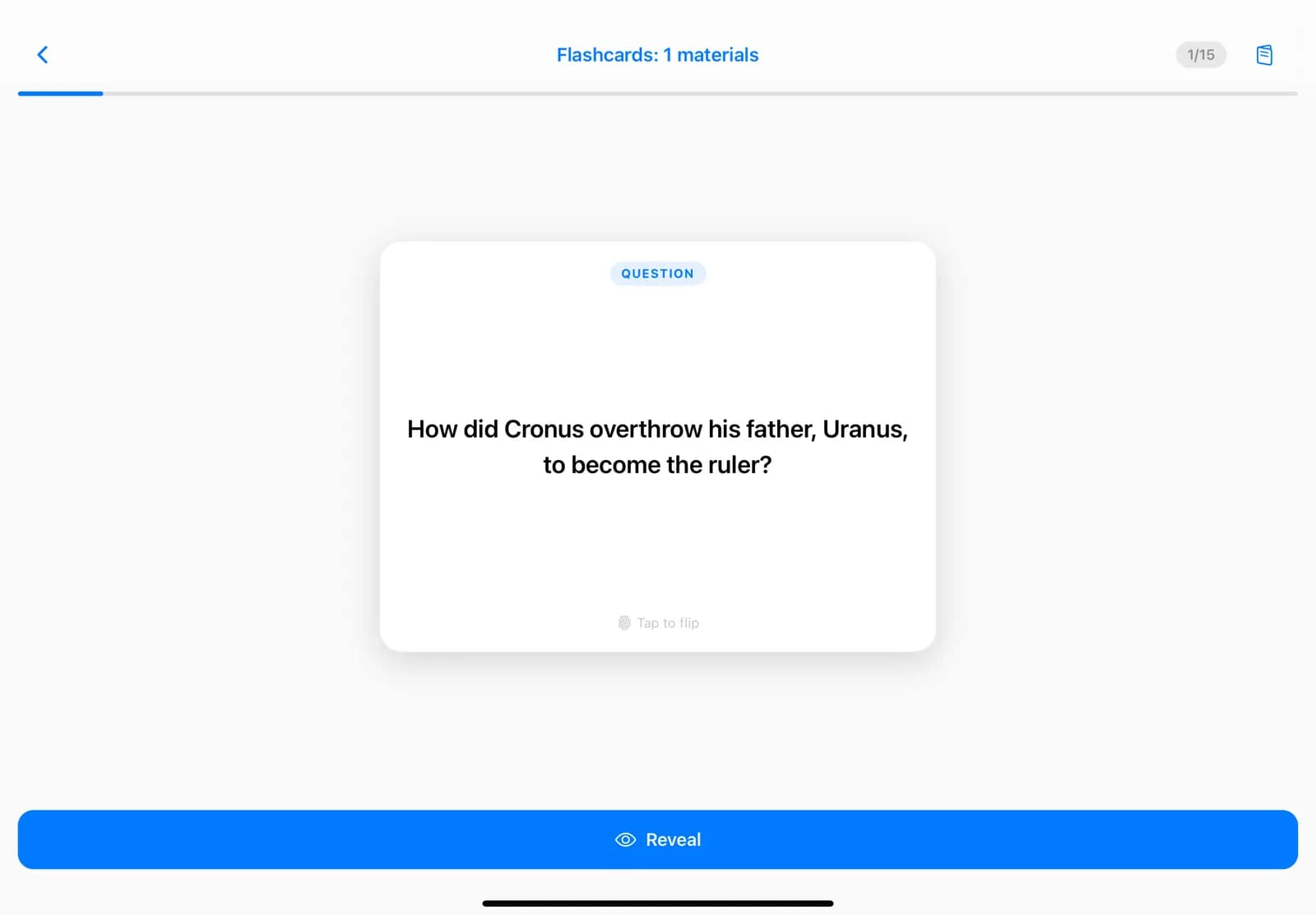
Instead of spending hours writing terms on index cards, you pick your notes and NoteMode turns them into a deck. You just focus on reviewing.
- A deck in seconds
- Front and back study mode
- Hard cards come back more often
How it works
Pick your notes
Handwritten, typed, scanned or PDF. Whatever you study from.
Generate a deck
AI pulls out terms, definitions and facts and saves each one as a question with an answer.
Review
Flip a card, check yourself and mark what you know and what needs another look.
Why NoteMode
Hours saved
Writing flashcards takes longer than studying them. Here that step disappears.
Review where it matters
Cards you struggle with come back more often than the ones you already know.
Your own cards too
Add your own cards or tweak generated ones. Front and back take a second to edit.
Decks for the whole class
Share a deck with classmates and study from the same material.
Frequently asked questions
Pick your notes in NoteMode and generate flashcards. AI turns the key terms and definitions into cards with a question on the front and the answer on the back.
Yes. Take a photo of the page or scan a few sheets. NoteMode reads the text and builds flashcards from it.
You do not have to write them, and in study mode you mark cards as known or to review. That keeps you focused on what you do not know yet.
Yes. Get NoteMode from the App Store for iPhone and iPad, or from Google Play for Android.
Keep exploring
All features
Try it free
NoteMode is a free download for iPhone, iPad and Android.