
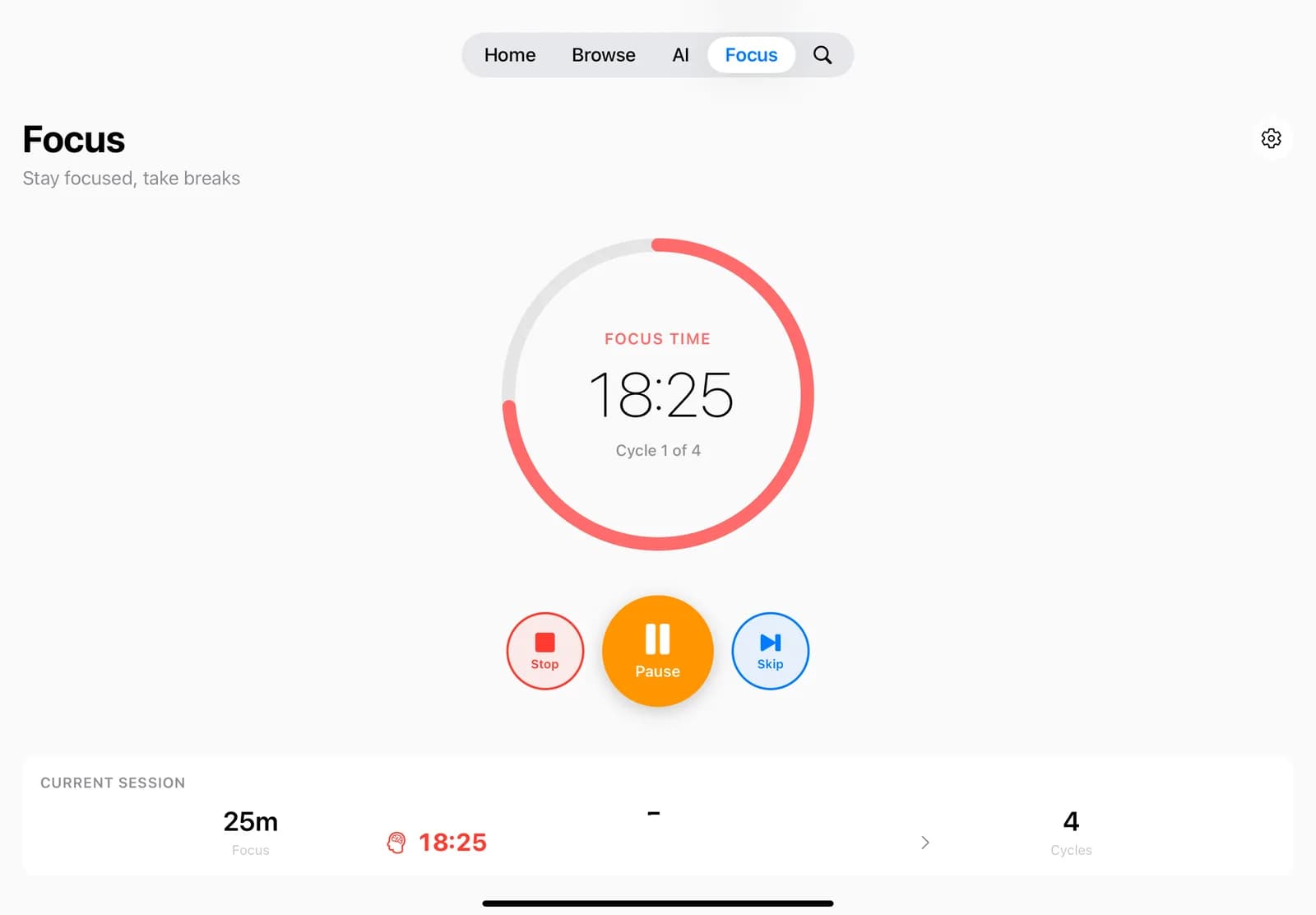
Pomodoro
25 minutes of focus
18:45Focus Time
Snap a photo of your notes or add a PDF — AI turns it into a quiz and flashcards. On iPhone, iPad and Android.
how it works
Six things NoteMode does with your notes. Real screens from the app, no mockups.
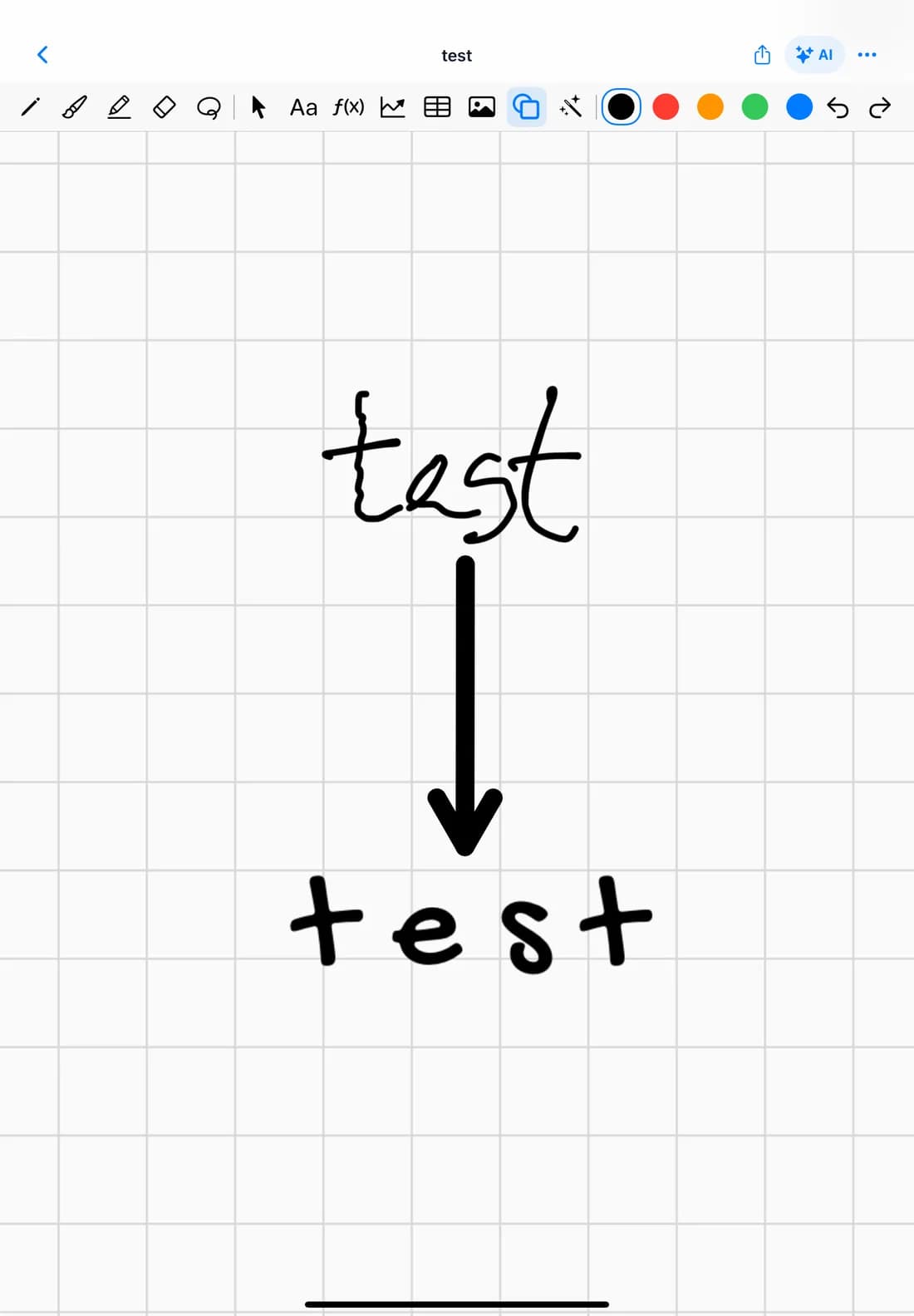
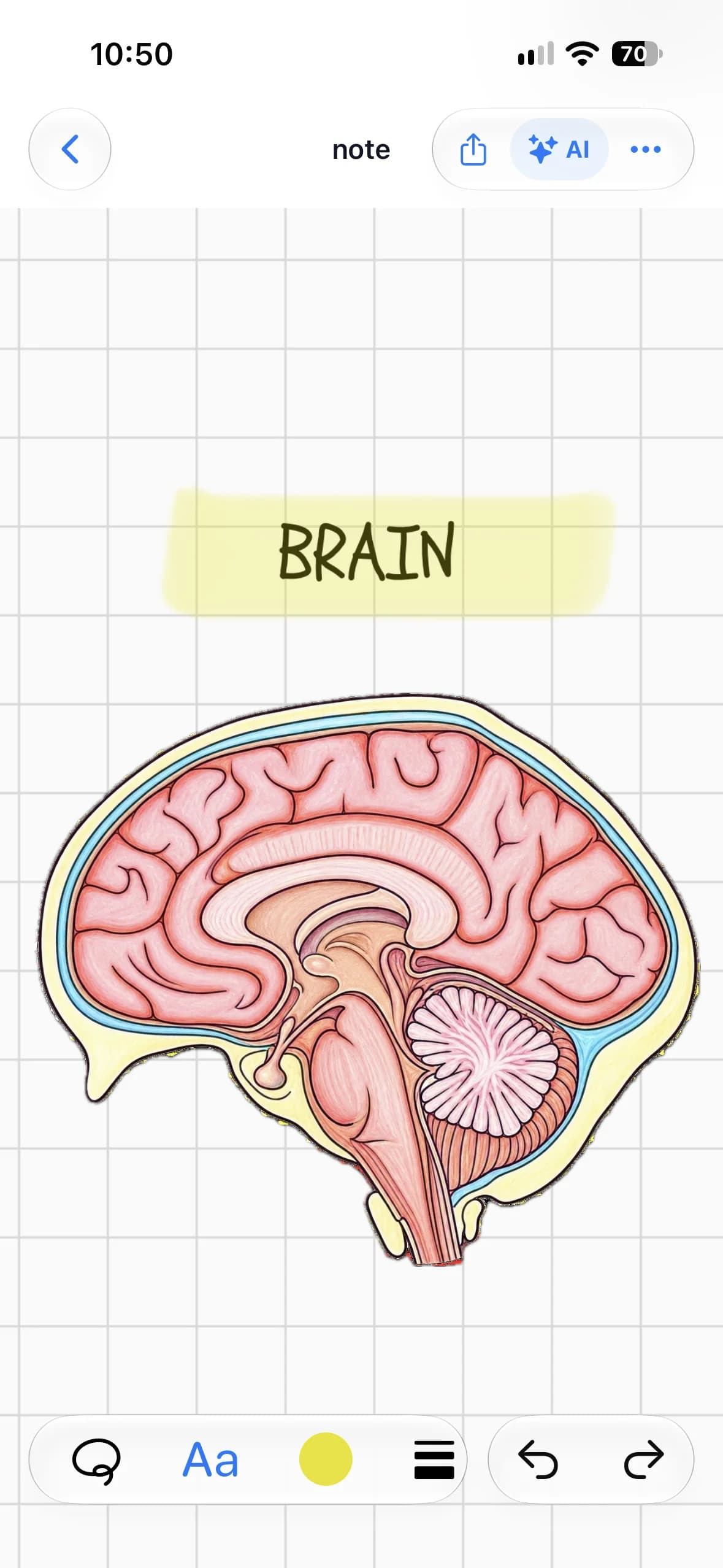
Write with a stylus or your finger, like in a paper notebook. One gesture turns your handwriting into regular text you can edit and search.
copes with messy handwriting too
More: Handwriting to text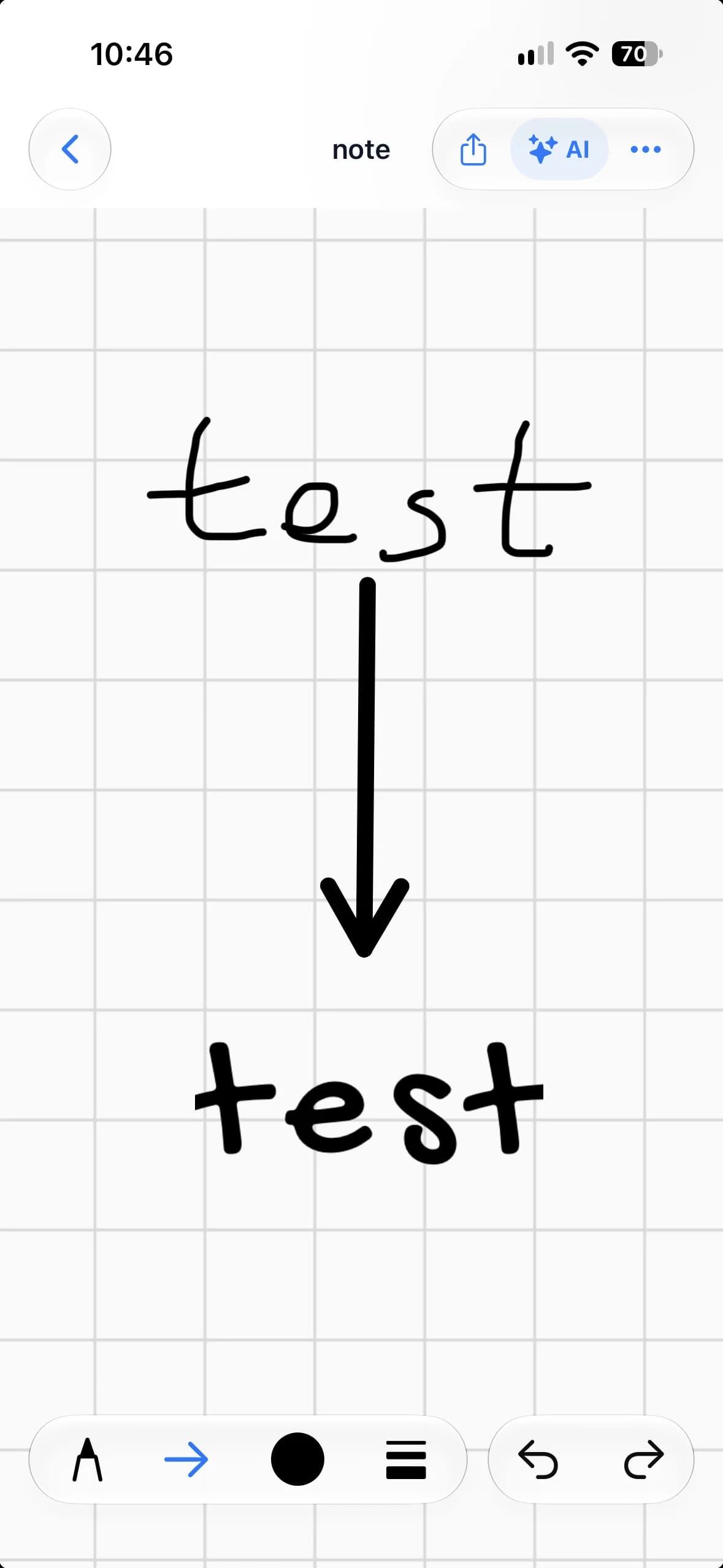
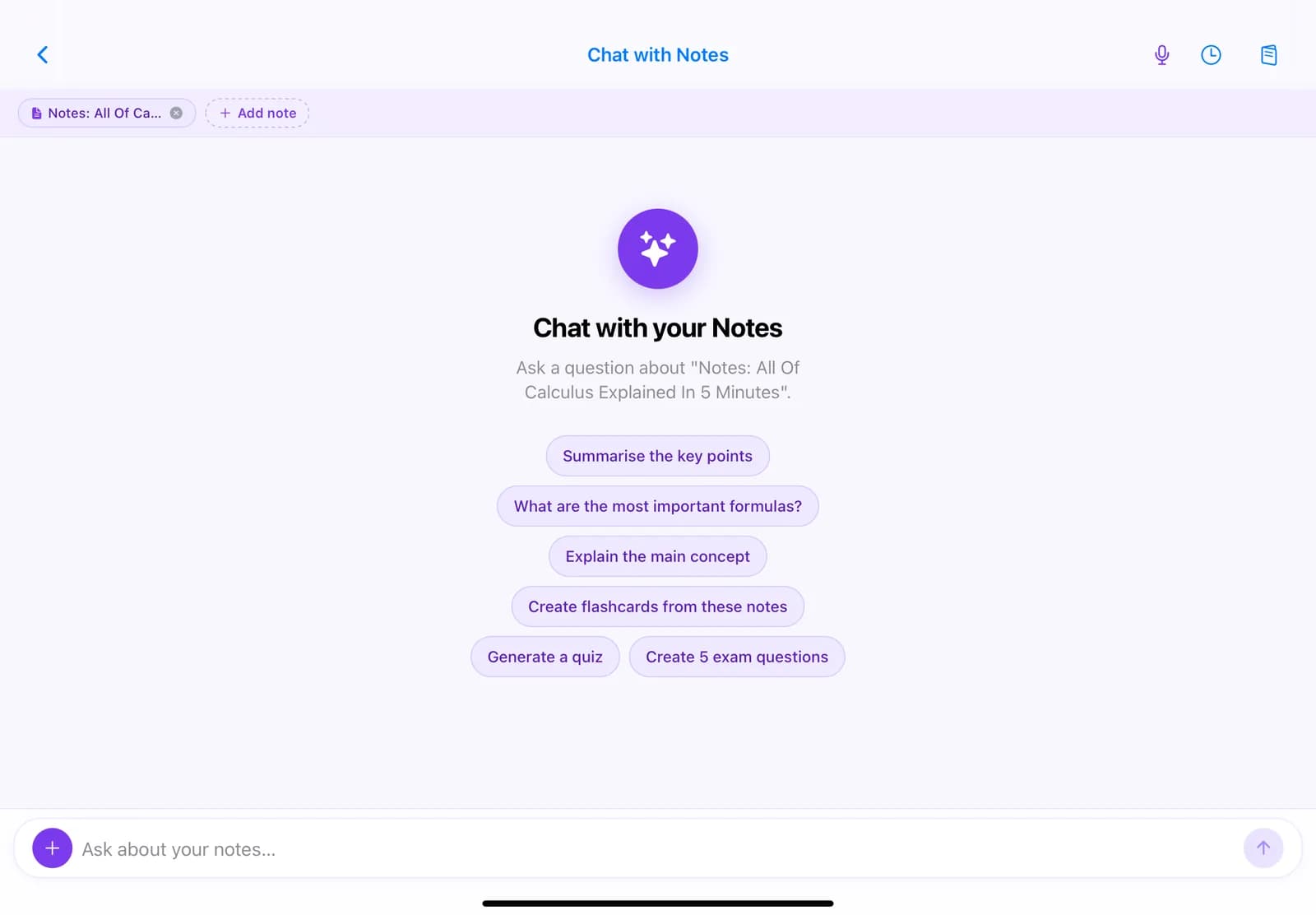
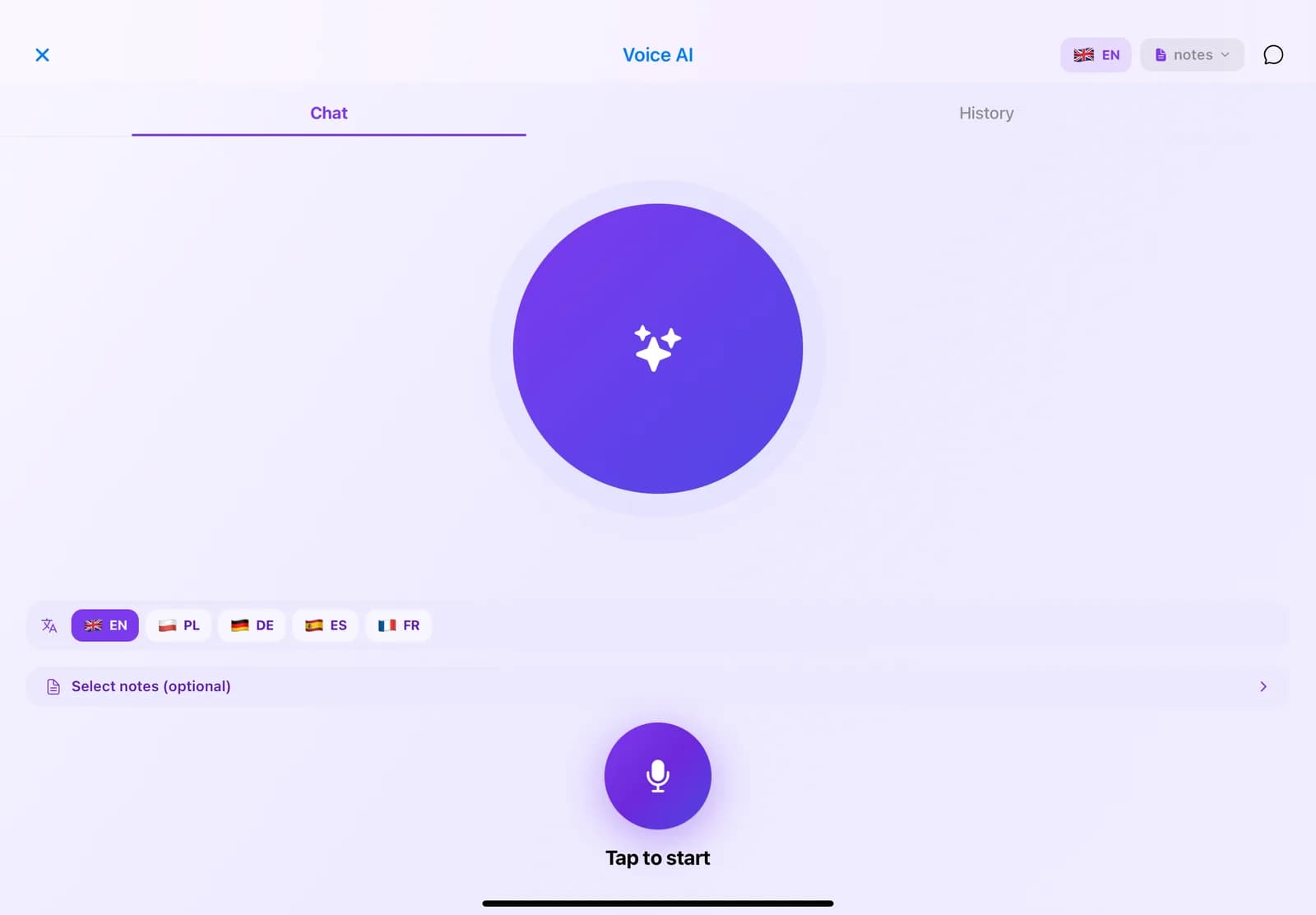
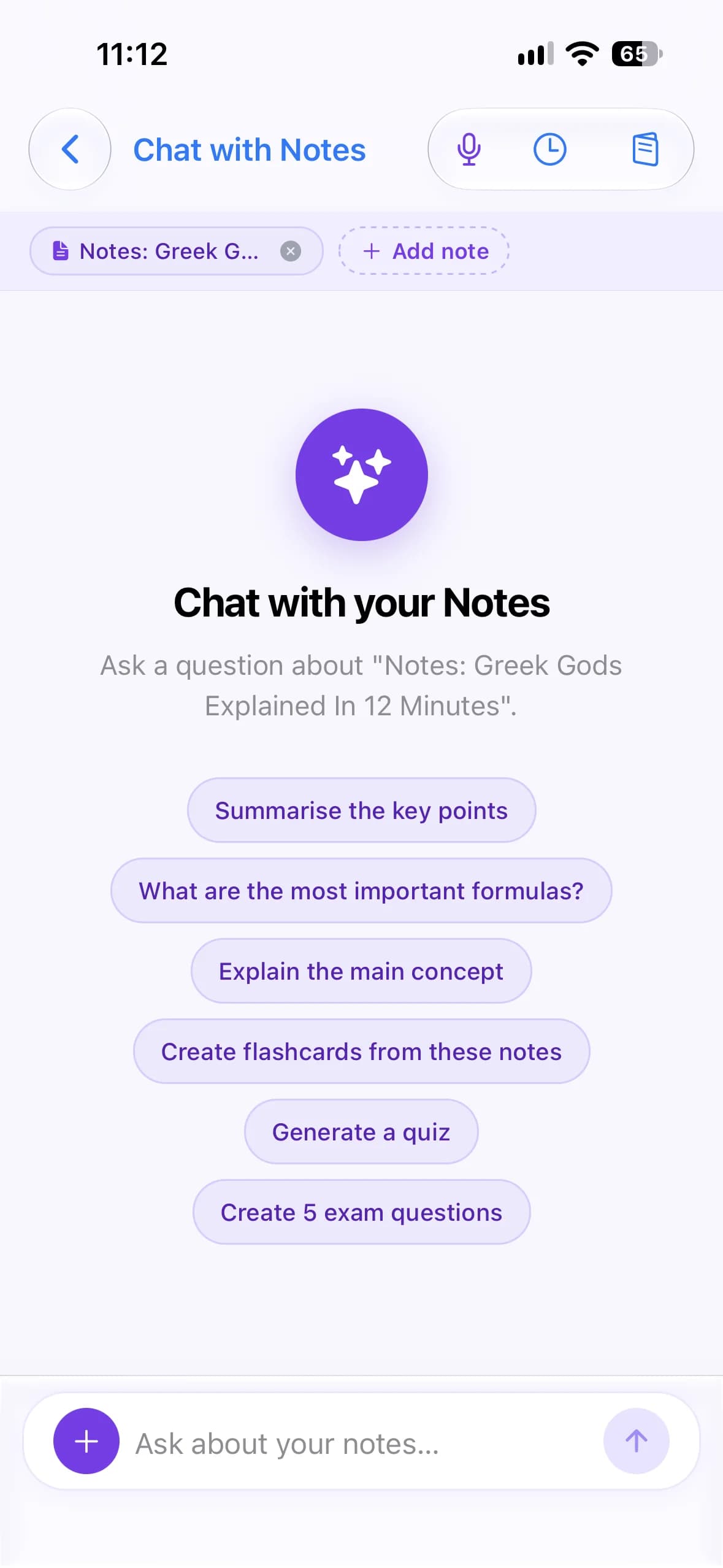
The chat answers from your materials, not random pages from the internet. Ask about a definition from last month, or for a simpler explanation.
works by voice, too
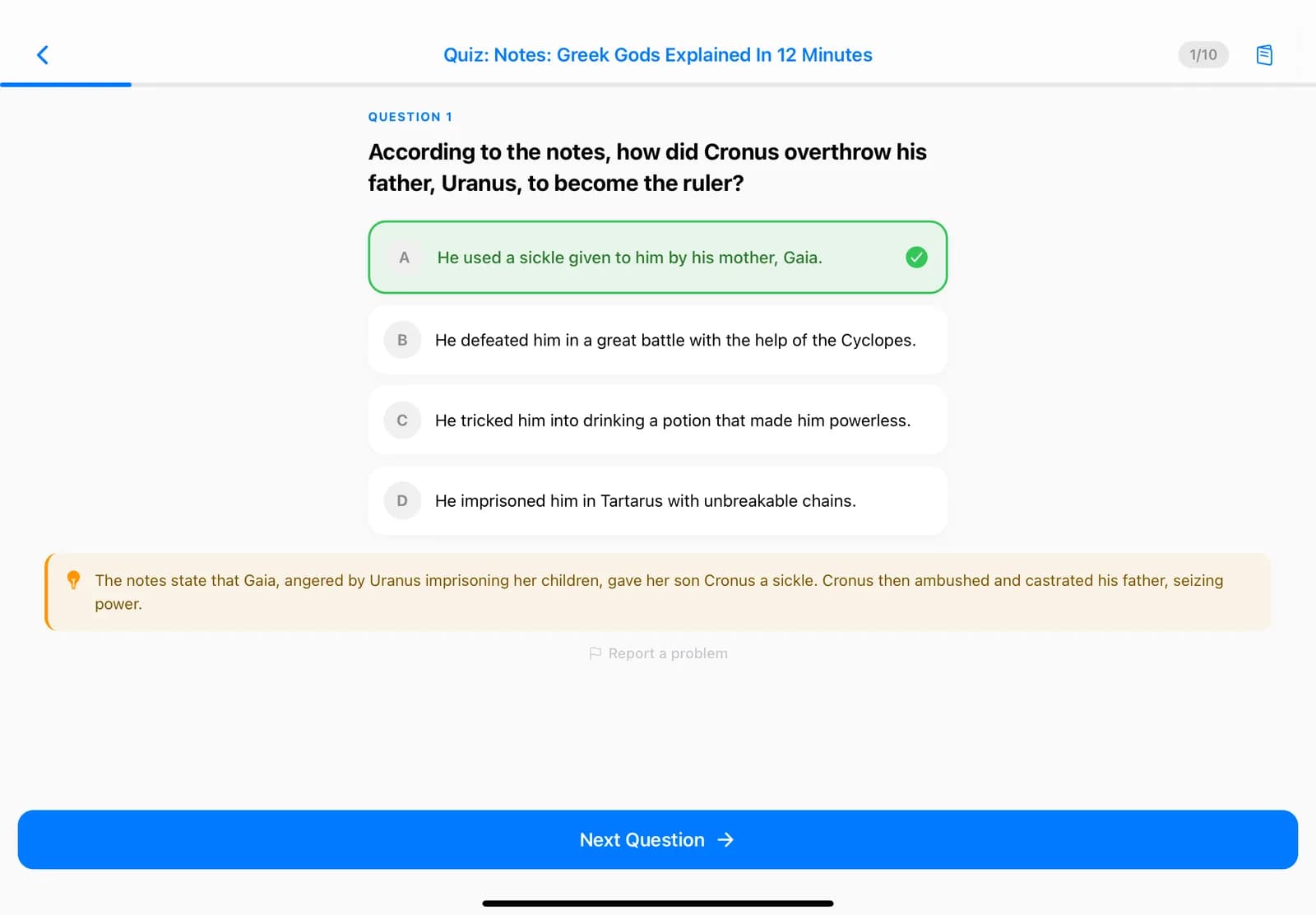
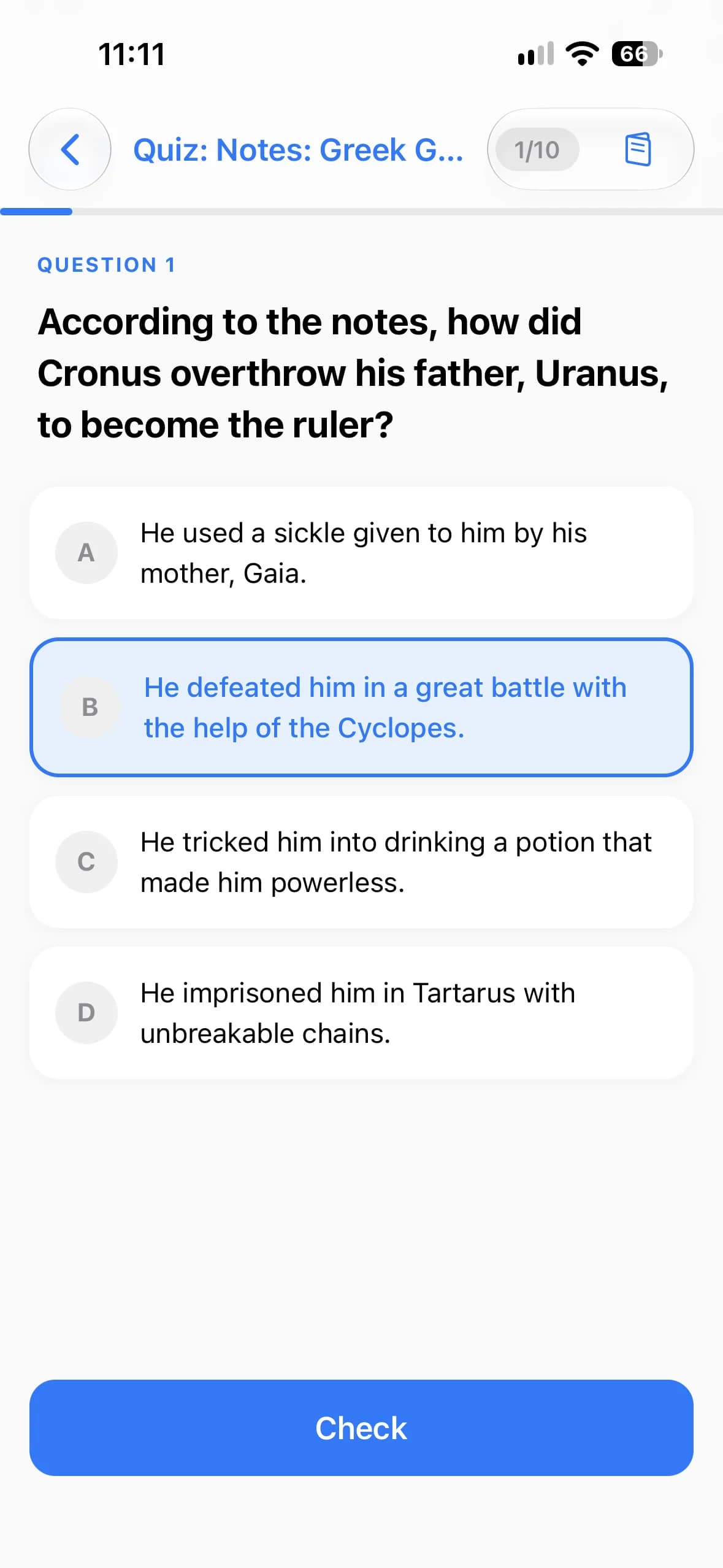
Snap your notebook or add a PDF. You get multiple-choice questions with an explanation of why each answer is right.
no more blind cramming
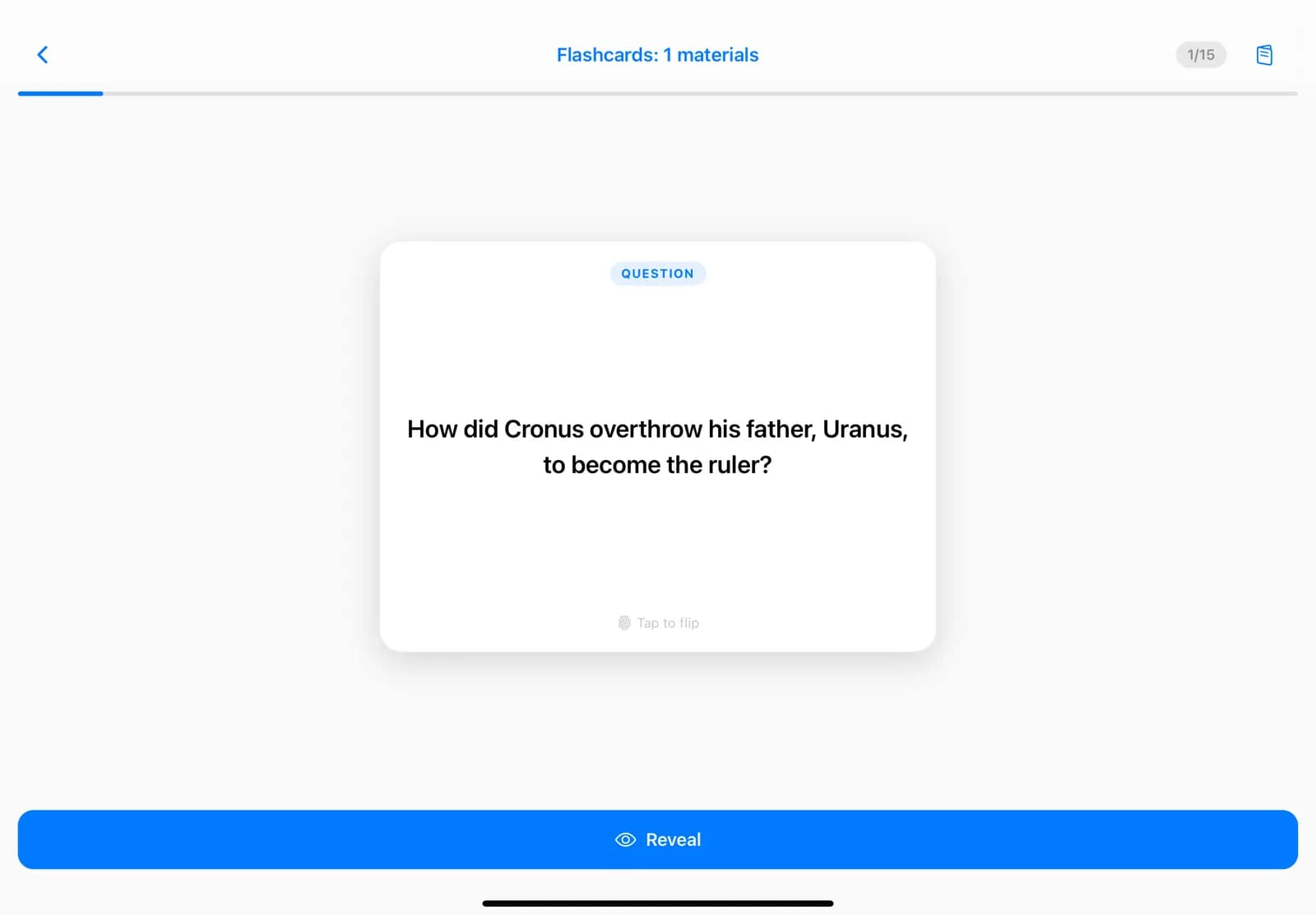
More: AI quiz generatorCards make themselves, and reviews are scheduled around what you find hardest.
spaced repetition (SRS)
More: AI flashcards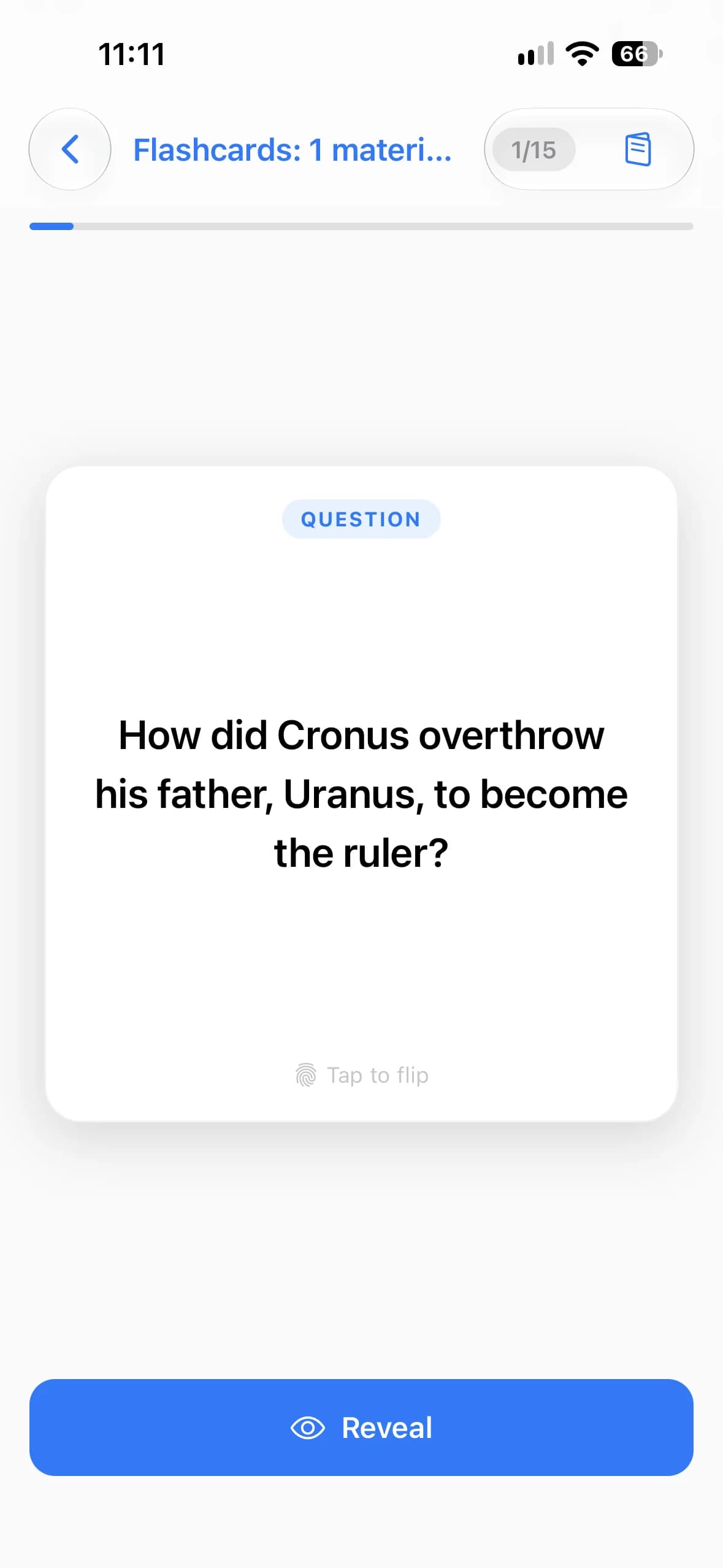
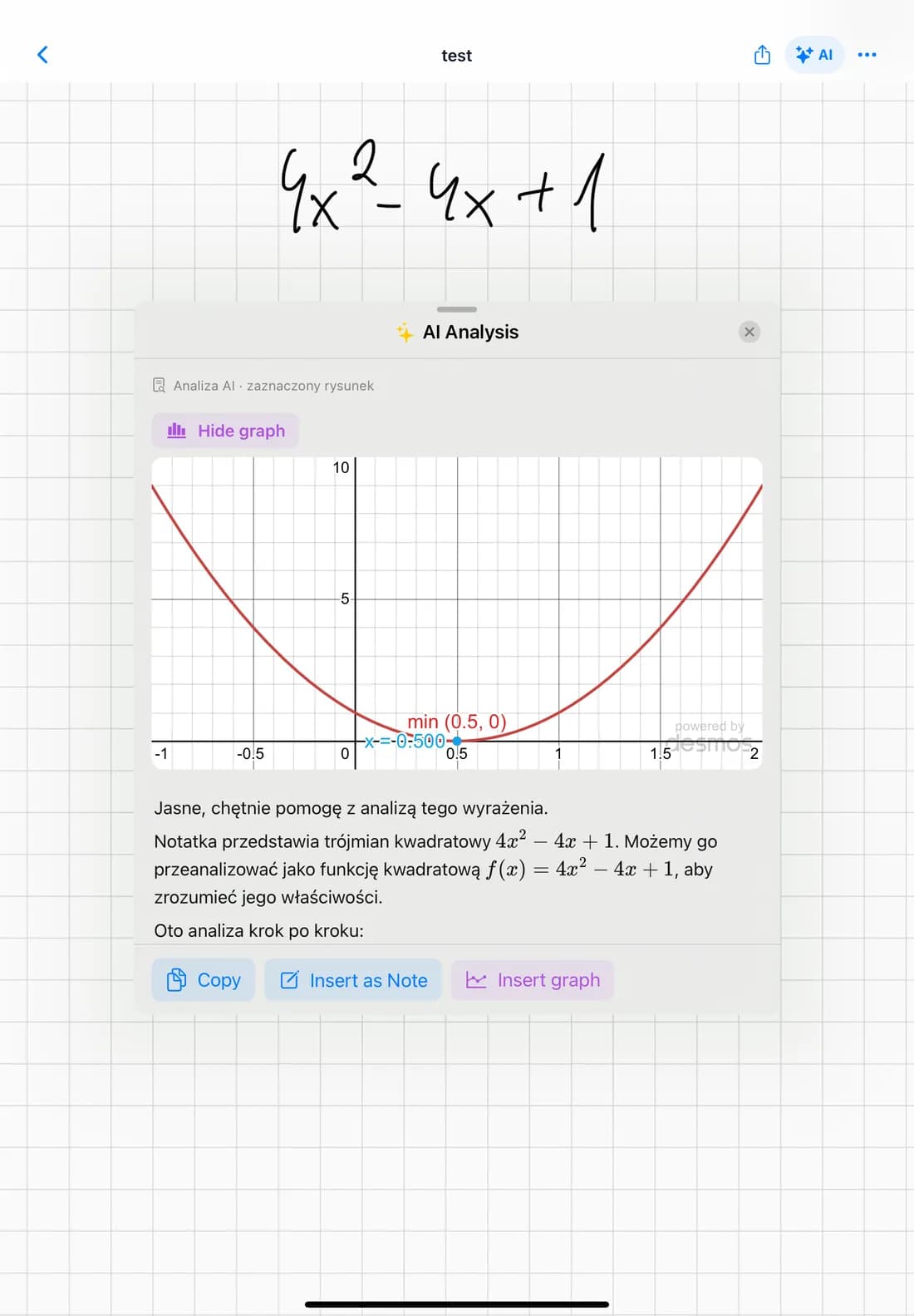
Write an equation by hand. NoteMode reads it, works through the solution and plots the graph.
LaTeX without learning LaTeX
More: Step-by-step math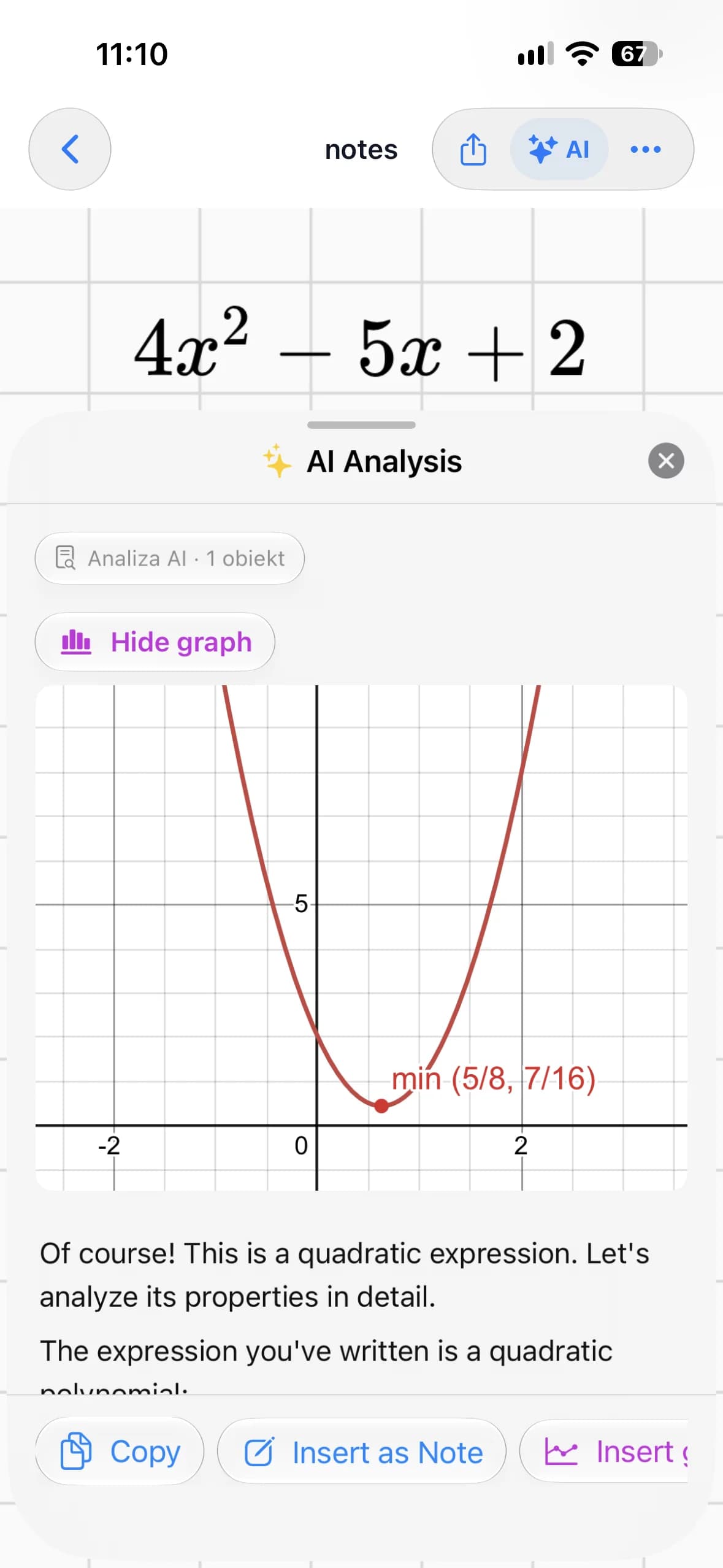
Paste a link and get a structured note with the key ideas — ready for a quiz and flashcards.
no more scrubbing back and forth
More: YouTube to notes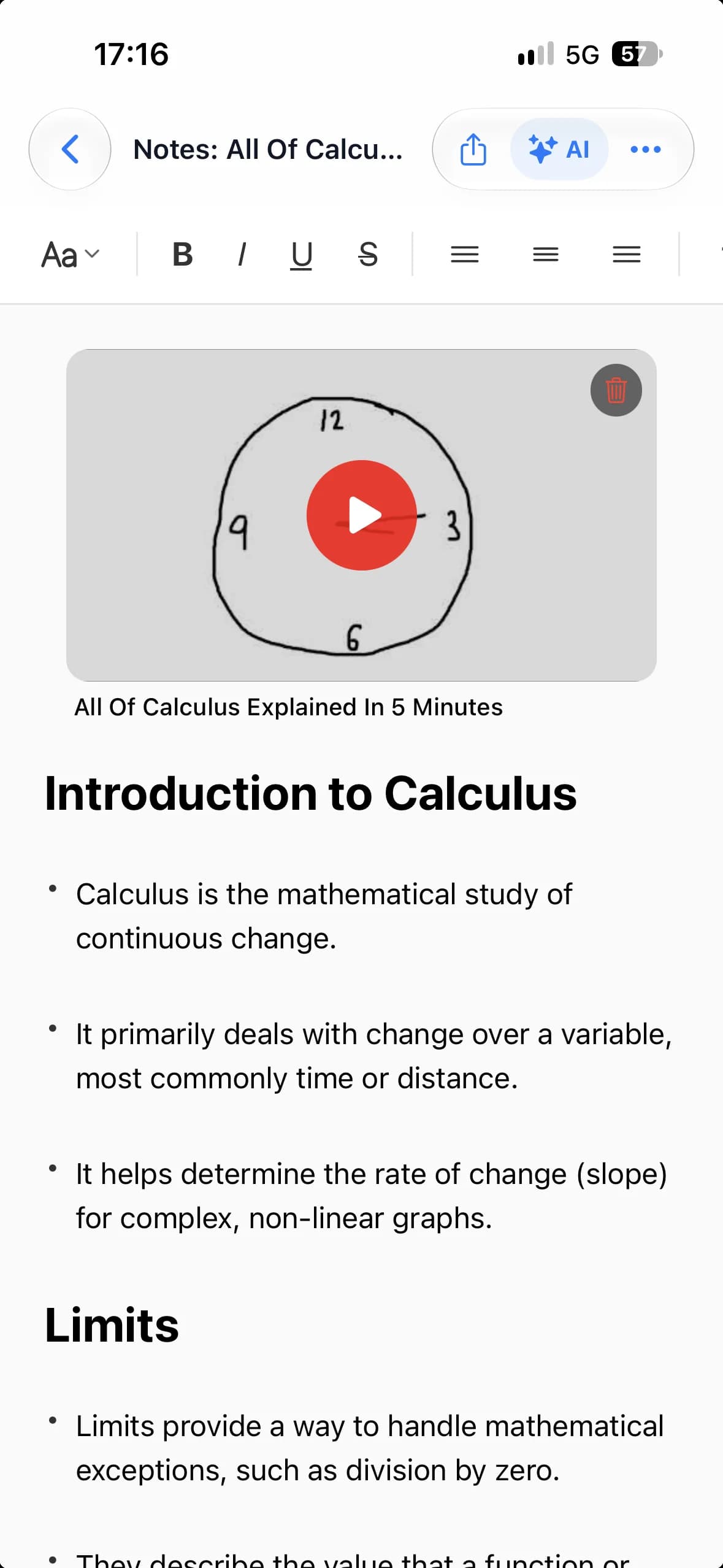
try it here
Transform your notes into study materials with one click
Your note
Photosynthesis is a process in which plants convert solar energy into chemical energy. It occurs in chloroplasts, where chlorophyll absorbs light...
Summary
• Photosynthesis = solar energy → chemical
• Location: chloroplasts
• Key pigment: chlorophyll
on iPad
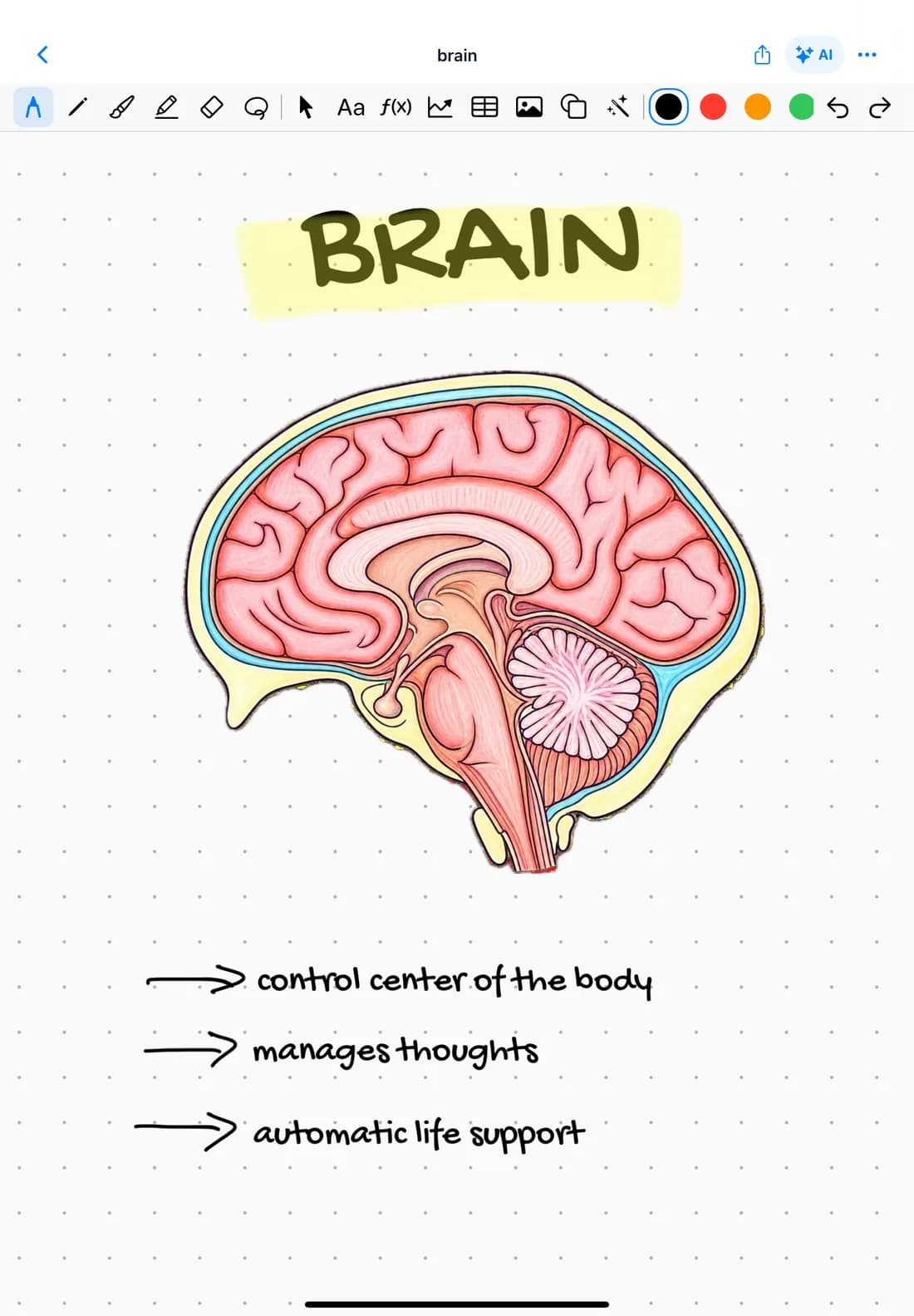
On iPad, NoteMode spreads across the whole screen. Folders sit in a sidebar, flashcards and quizzes go full width, and the note page is ready for Apple Pencil.
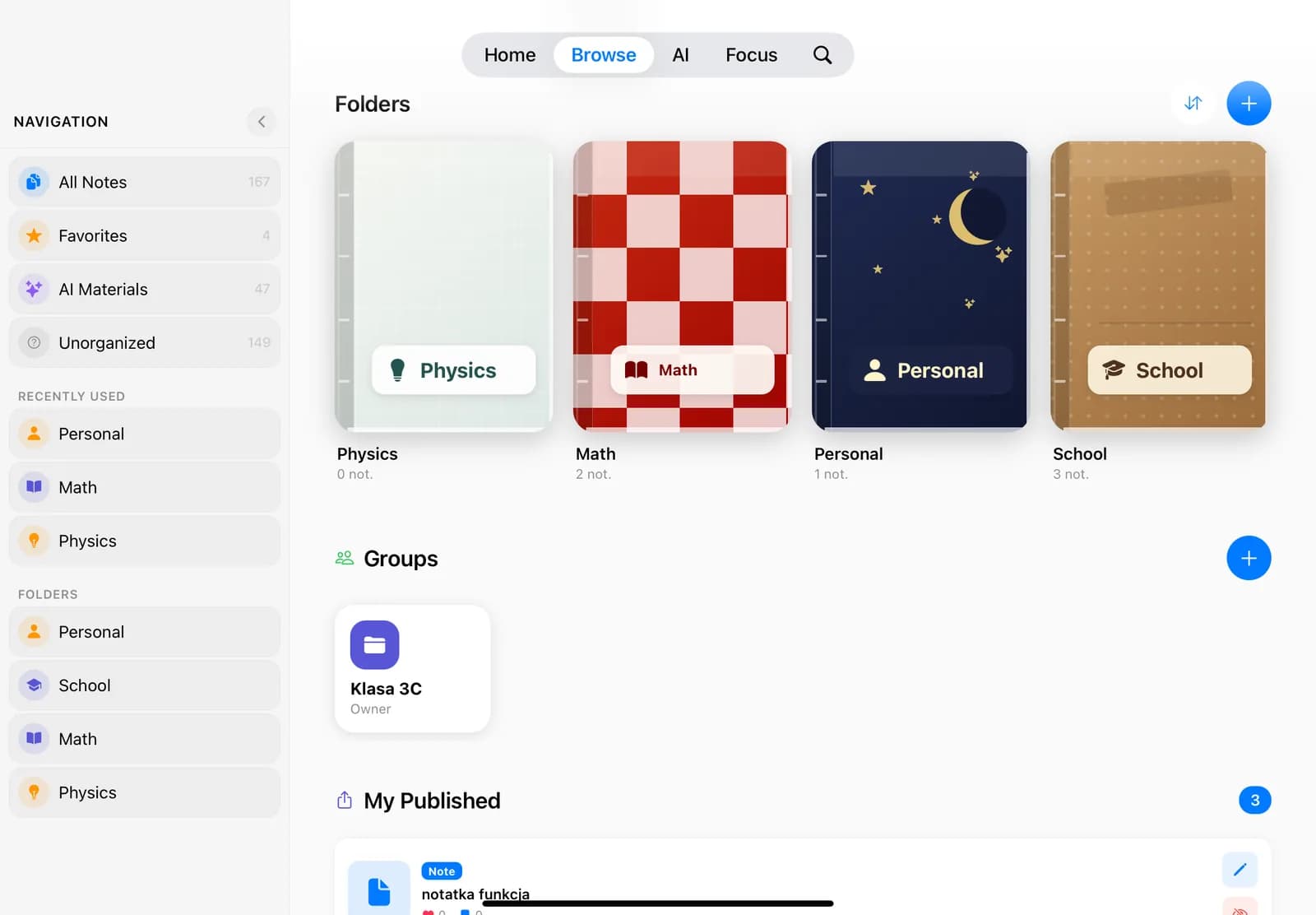
notebooks on a shelf, one per subject
and then…
Everything you need for effective learning in one place
25 minutes of focus
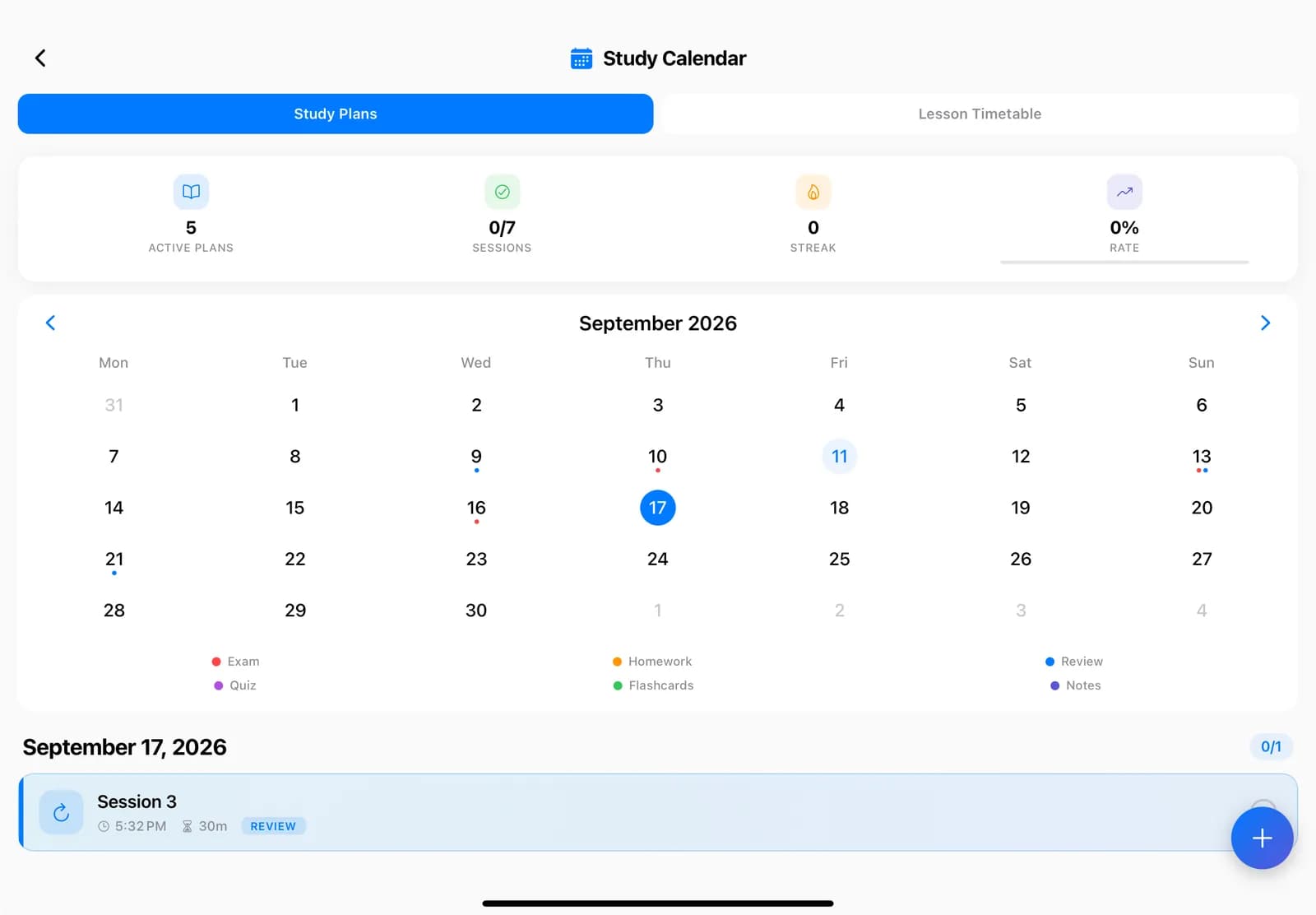
Plan your study sessions
the full list
From handwritten notes to AI-generated study materials — NoteMode brings drawing, learning and organisation together in one place.
AI superpowers
Take a picture of your notebook and NoteMode turns it into ready-to-use study materials — no retyping.
Write, draw, scan
Handwrite, sketch and organise your ideas on an infinite canvas — Apple Pencil on iPad, a stylus or your finger on Android.
Focus & plan
Combine deep focus with smart planning and watch your progress grow day after day.
Share & sync
Collaborate in real time, publish what you know and access your notes across all your devices.
questions
Did not find your question? Write to us, we usually reply within 24–48 hours.
Yes, NoteMode is free to download. Notes, flashcards and the Pomodoro timer are free, and the Premium plan unlocks AI features such as quiz and summary generation.
Yes. Since November 2026 NoteMode is on Google Play. For iPhone and iPad, get it from the App Store.
Yes. On iPad, NoteMode uses native PencilKit, so Apple Pencil responds to pressure and tilt. On a phone you write with your finger or a stylus.
Yes. Handwritten notes convert to editable text, and text from notebook photos or scans makes it into the app too.
Handwritten and typed notes, notebook photos, scans, PDF files and YouTube videos.
NoteMode is available in English, Polish, German, Spanish, French, Italian, Portuguese and Ukrainian.
Yes. Share notes with read-only or edit access, and send quizzes, flashcards and summaries to your study group.
That is what it is for. Plan reviews in the calendar, turn notes into quizzes and flashcards, and let the Pomodoro timer get you to sit down and study.
free to start
Start studying smarter today. Works on iPhone, iPad and Android phones and tablets.
iPhone · iPad · Android
No sign-up and no waitlist — download and start right away. Have questions? Contact us